
Descript: a practical guide to text-based video editing
An introduction to transcript-based editing, with a careful first-project checklist.
The useful part
Descript is featured here for one specific job: edit recorded media through its transcript. This guide focuses on that workflow so you can decide whether it fits your task before trying it.
Edit recorded media through its transcript
What the tool offers
Descript presents audio and video editing through an editable transcript. Import or record your media, review the transcription, and use the text to locate and edit sections of a recording.
A suggested first exercise
A small, specific input makes the result easier to inspect. This is a suggested exercise, not a reconstruction of the original channel demonstration.
Suggested practice: use a short recording you own, containing one sentence you want to remove.
Try it yourself
- Import or record a short clip you own
- Review the transcript before editing
- Remove an unwanted section, then listen across the edit
- Export a preview and compare it with the original
Start with material you own or have permission to use. Save the original and compare it with the output before moving the result into a real project. If the interface has changed, follow the current official instructions linked below.
What to check before using the result
Transcript accuracy and the sound of the edit both matter. Listen across every cut; reading the text alone can miss an abrupt transition.
Keep the task narrow on your first attempt. Check the details that matter to your use case rather than judging only whether the result looks polished. A successful short example is a useful introduction, not a benchmark of the whole product.
Access, free demos & limits
The official site offers a free starting option. Check current transcription, export and AI-feature limits before committing a project. No current allowance or price is promised here.
Availability notes refer to the dated demonstration or source check. Features, limits and sign-in requirements can change. Check the official site before starting a larger project.
Visit Descript ↗Sources & context
- www.descript.com ↗Source checked 2026-10-30
This article combines the channel’s published coverage with official documentation. The original capture is unavailable, so no new hands-on result is claimed. Read our editorial policy.
Keep exploring
All tools →
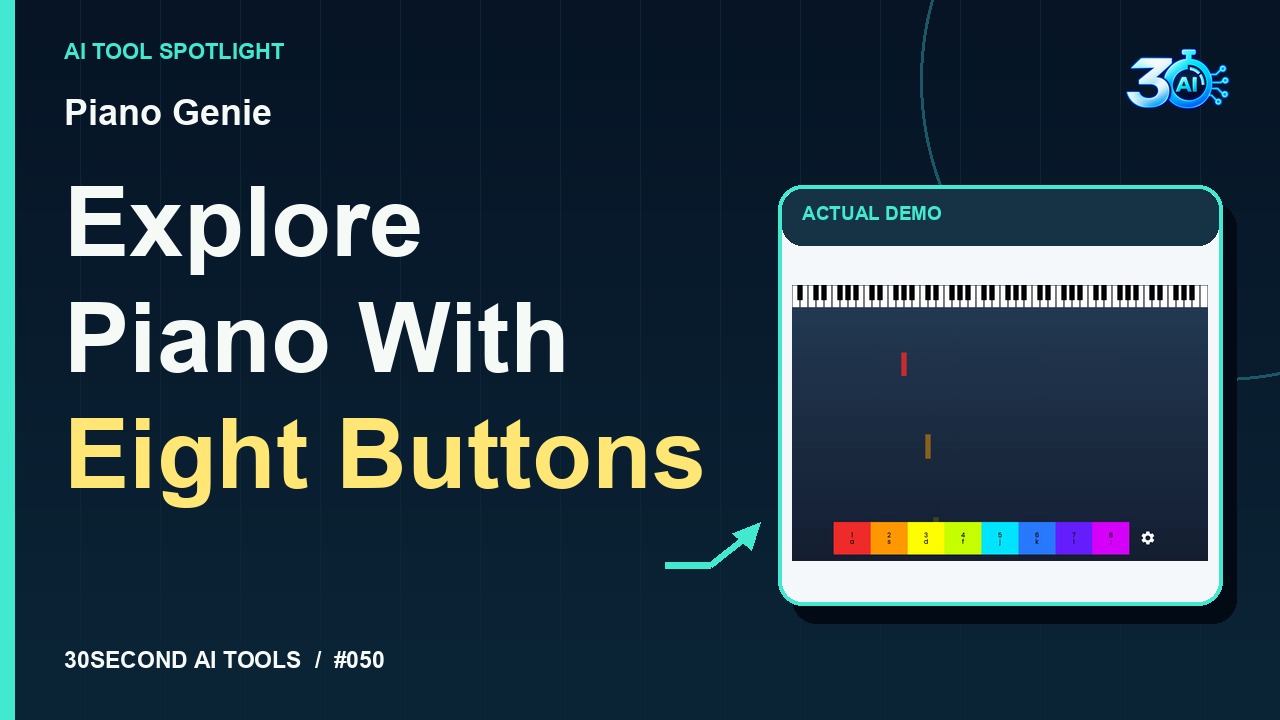
Piano Genie
Maps eight controller buttons to an 88-key piano using a learned model.
Read the guide