Learn & explore
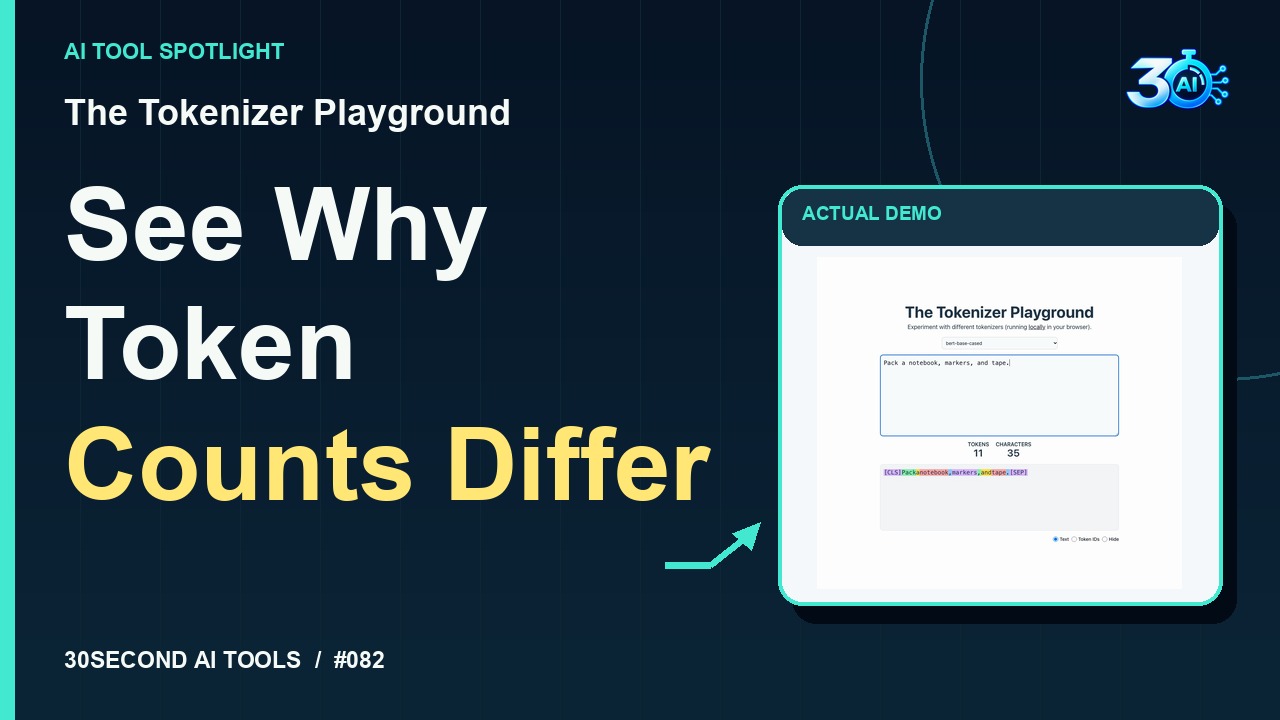
The Tokenizer Playground
Compare tokenization and inspect special boundary tokens
Read the guide 30SecondAIToolsTHE PRACTICAL AI FIELD GUIDEWatch the channel ↗
Explore a recorded WebGPU Embedding Benchmark run using WASM int8, MiniLM, batch sizes 1 and 2, and sequence length 16. The visible chart measures synthetic inputs in one recording environment; only WebAssembly was tested.
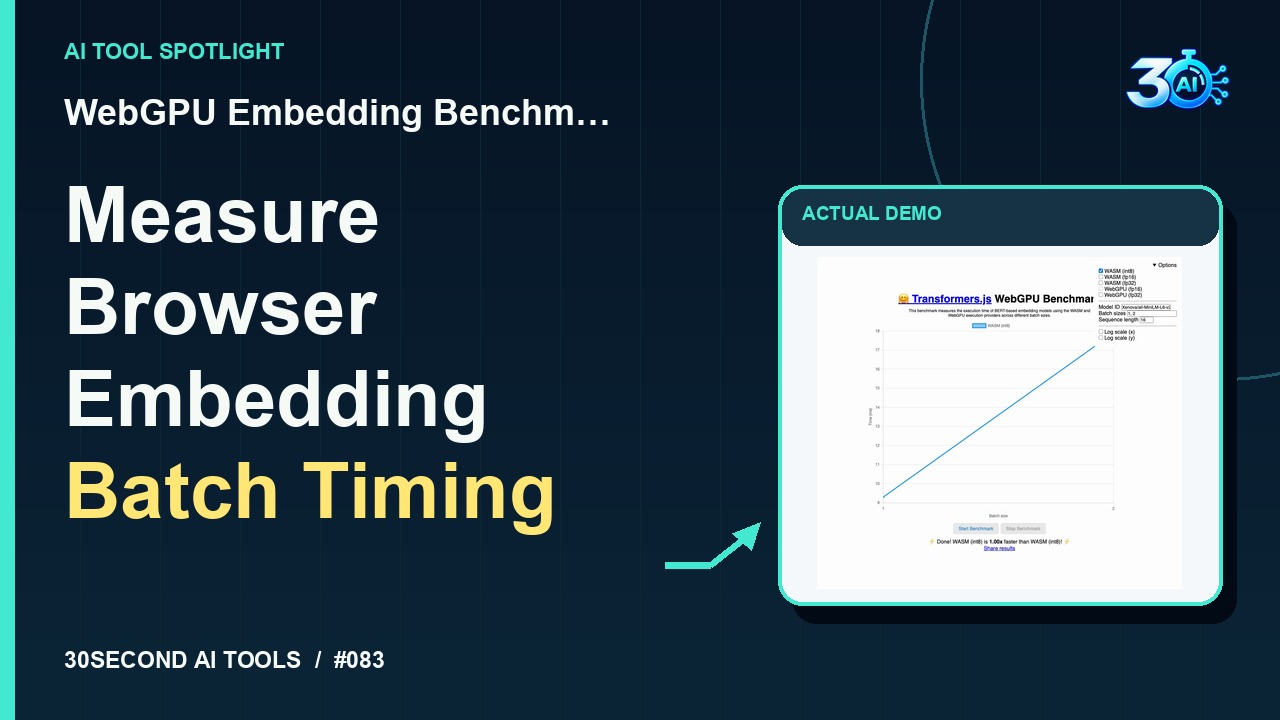
WebGPU Embedding Benchmark is featured here for one specific job: synthetic embedding timing with WASM int8. This guide focuses on that workflow so you can decide whether it fits your task before trying it.
Synthetic embedding timing with WASM int8
Start with a tiny timing test! In WebGPU Embedding Benchmark, this setup uses MiniLM, WebAssembly int8, batches of one and two, and sequence length sixteen. Here’s the recorded chart from that run. It measures synthetic inputs in this recording environment only. Use it as a small starting point for browser inference planning. These settings test WebAssembly alone.
A small, specific input makes the result easier to inspect. Use the example below to understand the scope of the recorded workflow; it is not a promise that a new run will produce an identical result.
Model: Xenova/all-MiniLM-L6-v2; WASM int8 only; batch sizes 1, 2; sequence length 16.
Start with material you own or have permission to use. Save the original and compare it with the output before moving the result into a real project. If the interface has changed, follow the current official instructions linked below.
These are environment-specific WebAssembly timings. No GPU comparison was run; ignore the app's meaningless self-comparison speed ratio when only one provider is selected.
Keep the task narrow on your first attempt. Check the details that matter to your use case rather than judging only whether the result looks polished. A successful short example is a useful introduction, not a benchmark of the whole product.
The recorded example verifies this public demonstration completed without payment or credentials. Live official-source research on 2026-11-01 confirms the Space is listed as Running with a static app. The embedded app could not be independently retrieved by the research browser; no additional free quota or availability guarantee is claimed.
Availability notes refer to the dated demonstration or source check. Features, limits and sign-in requirements can change. Check the official site before starting a larger project.
Visit WebGPU Embedding Benchmark ↗This guide expands the channel’s recorded example and the official sources checked for that reel. Generated results are examples, not endorsements or guarantees. Read our editorial policy.
Compare tokenization and inspect special boundary tokens
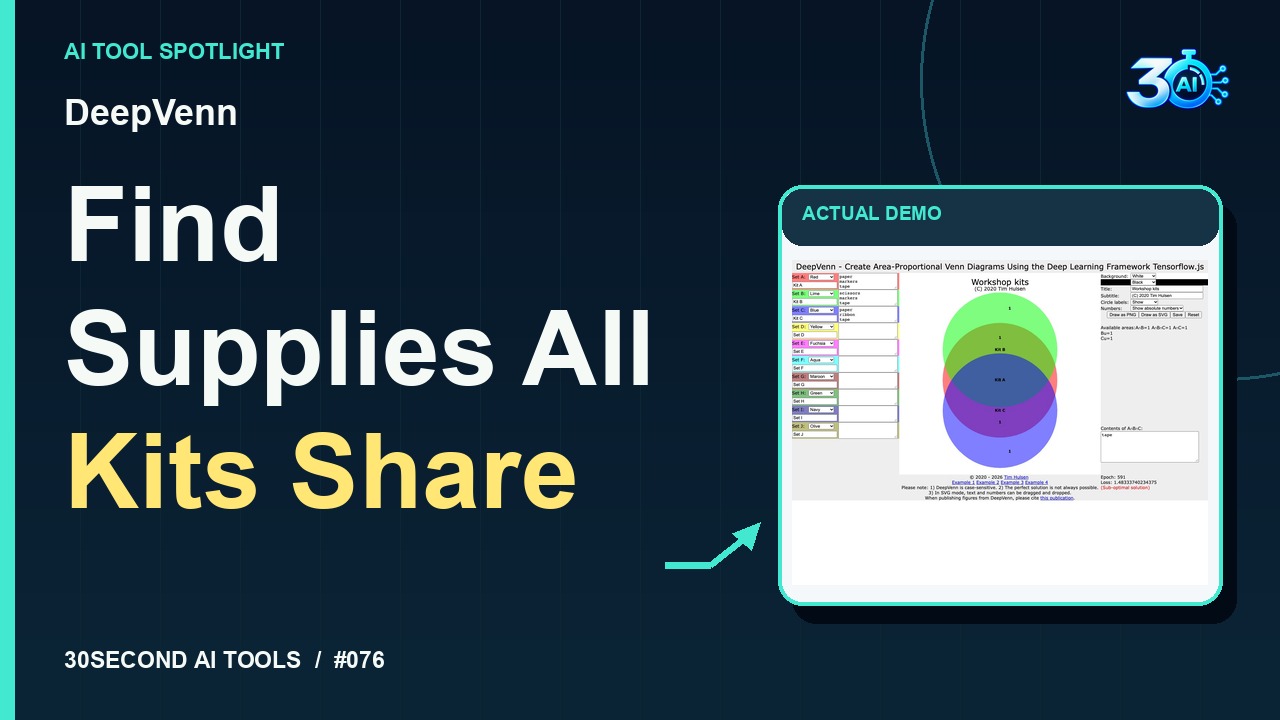
Read the guideFit approximate Venn diagram areas using TensorFlow.js optimization and inspect set intersections
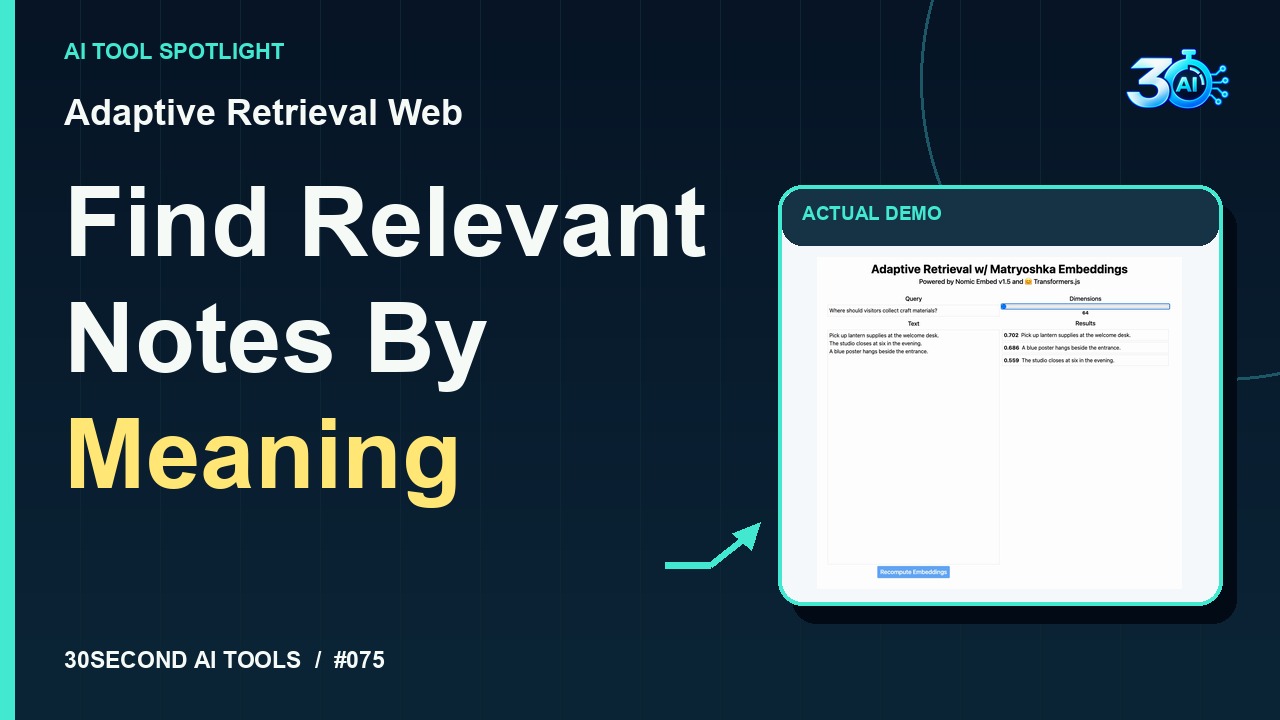
Read the guideCompare Nomic Embed v1.5 similarity results at 768 and 64 dimensions
Read the guide