Learn & explore
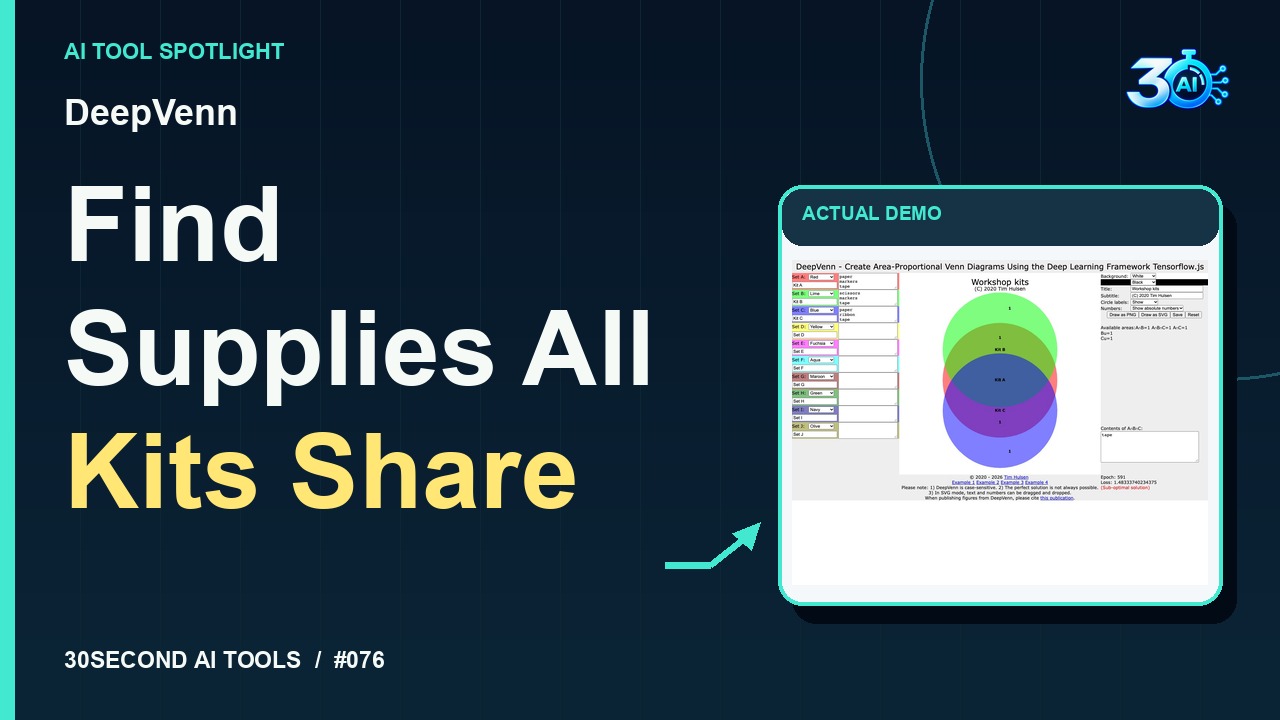
DeepVenn
Fit approximate Venn diagram areas using TensorFlow.js optimization and inspect set intersections
Read the guide 30SecondAIToolsTHE PRACTICAL AI FIELD GUIDEWatch the channel ↗
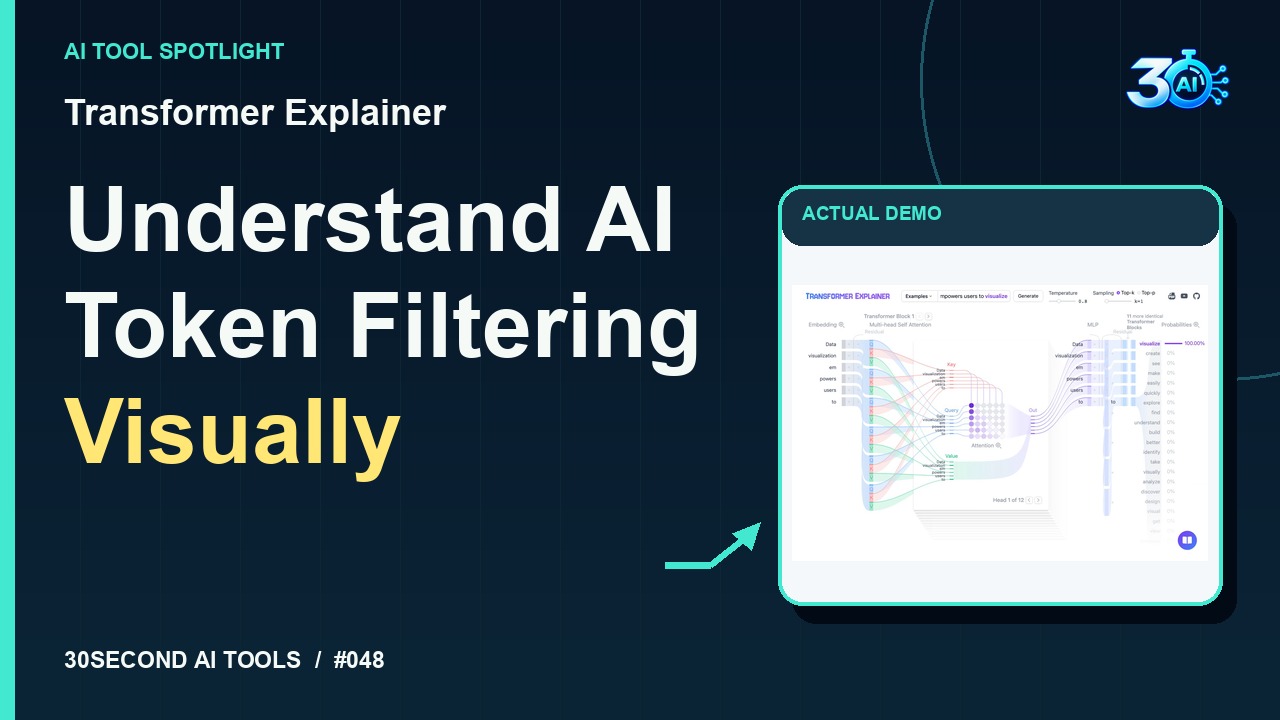
See how Transformer Explainer’s built-in example changes when top-k drops from five to one at temperature 0.8. The remaining token’s 100% filtered probability does not indicate factual certainty. Explore the free interactive tool: https://poloclub.github.io/transformer-explainer/
Transformer Explainer is featured here for one specific job: interactive top-k token filtering. This guide focuses on that workflow so you can decide whether it fits your task before trying it.
Interactive top-k token filtering
See it in Transformer Explainer. Here’s the built-in example: Data visualization empowers users to. Keep temperature at point eight. With top-k at five, five candidates remain. Change it to one. Now visualize is the only retained candidate, with one hundred percent of the filtered probability. That means one option remains; it doesn’t mean factual certainty.
A small, specific input makes the result easier to inspect. Use the example below to understand the scope of the recorded workflow; it is not a promise that a new run will produce an identical result.
Use the built-in example Data visualization empowers users to, keep temperature at 0.8, and change top-k from 5 to 1.
Start with material you own or have permission to use. Save the original and compare it with the output before moving the result into a real project. If the interface has changed, follow the current official instructions linked below.
Top-k restricts the candidate set. It does not by itself ensure a truthful or useful completion.
Keep the task narrow on your first attempt. Check the details that matter to your use case rather than judging only whether the result looks polished. A successful short example is a useful introduction, not a benchmark of the whole product.
The public interactive example is accessible without payment or sign-in, confirmed on 2026-10-27. This demonstration only adjusts the built-in example’s sampling controls; it requires no installation, upload, or Generate action.
Availability notes refer to the dated demonstration or source check. Features, limits and sign-in requirements can change. Check the official site before starting a larger project.
Visit Transformer Explainer ↗This guide expands the channel’s recorded example and the official sources checked for that reel. Generated results are examples, not endorsements or guarantees. Read our editorial policy.
Fit approximate Venn diagram areas using TensorFlow.js optimization and inspect set intersections
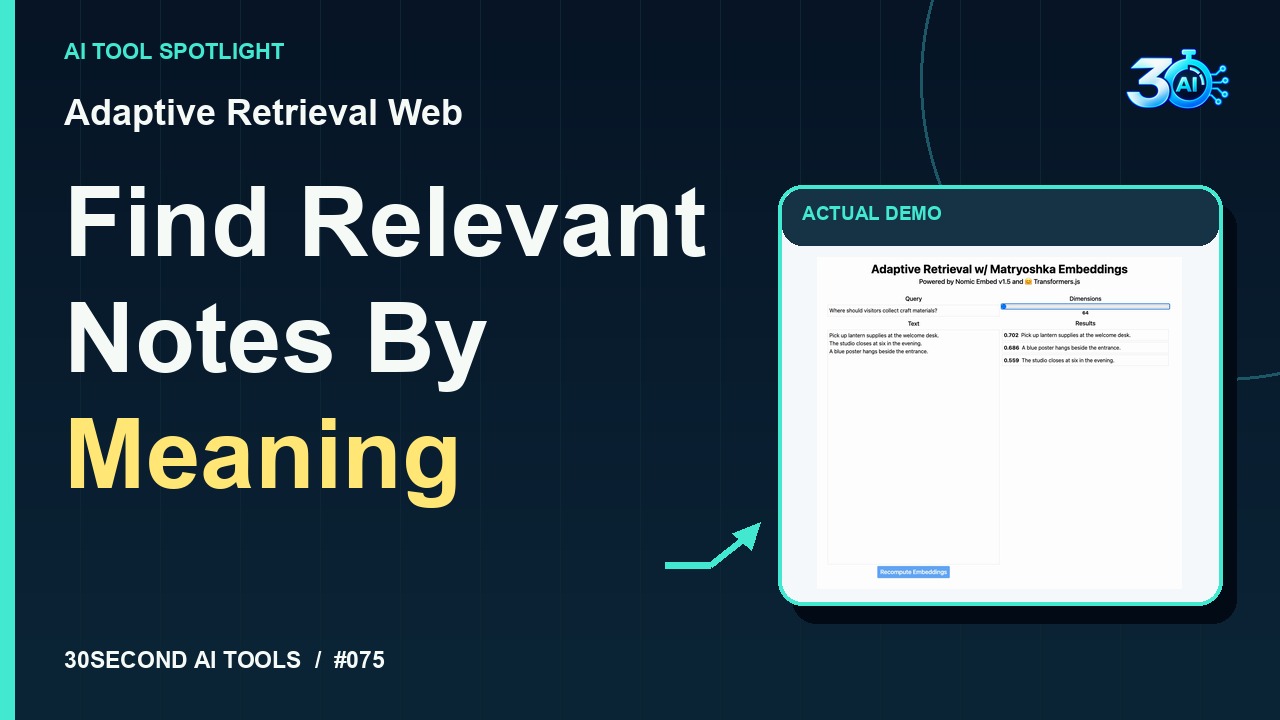
Read the guideCompare Nomic Embed v1.5 similarity results at 768 and 64 dimensions
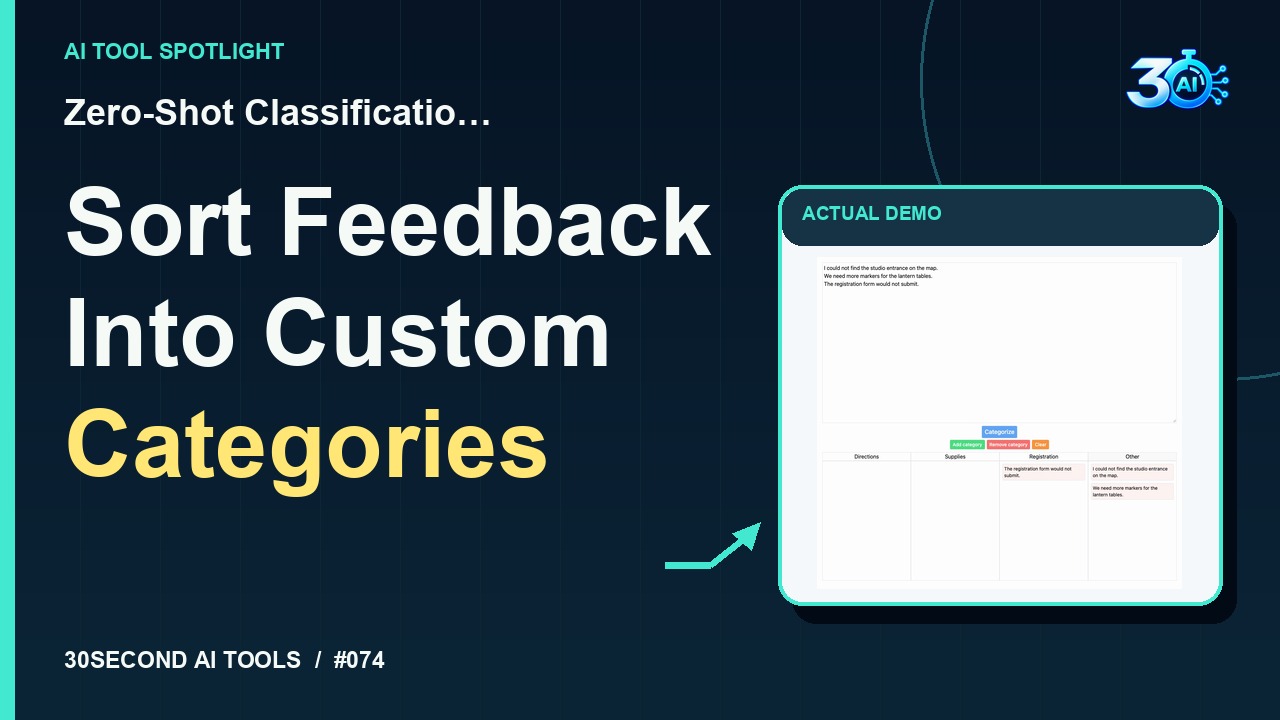
Read the guideAssign fictional feedback to custom categories with an Other fallback
Read the guide