Design & images
DBNet Scene Text Detector
Locate text regions and display a text-probability map
Read the guide 30SecondAIToolsTHE PRACTICAL AI FIELD GUIDEWatch the channel ↗
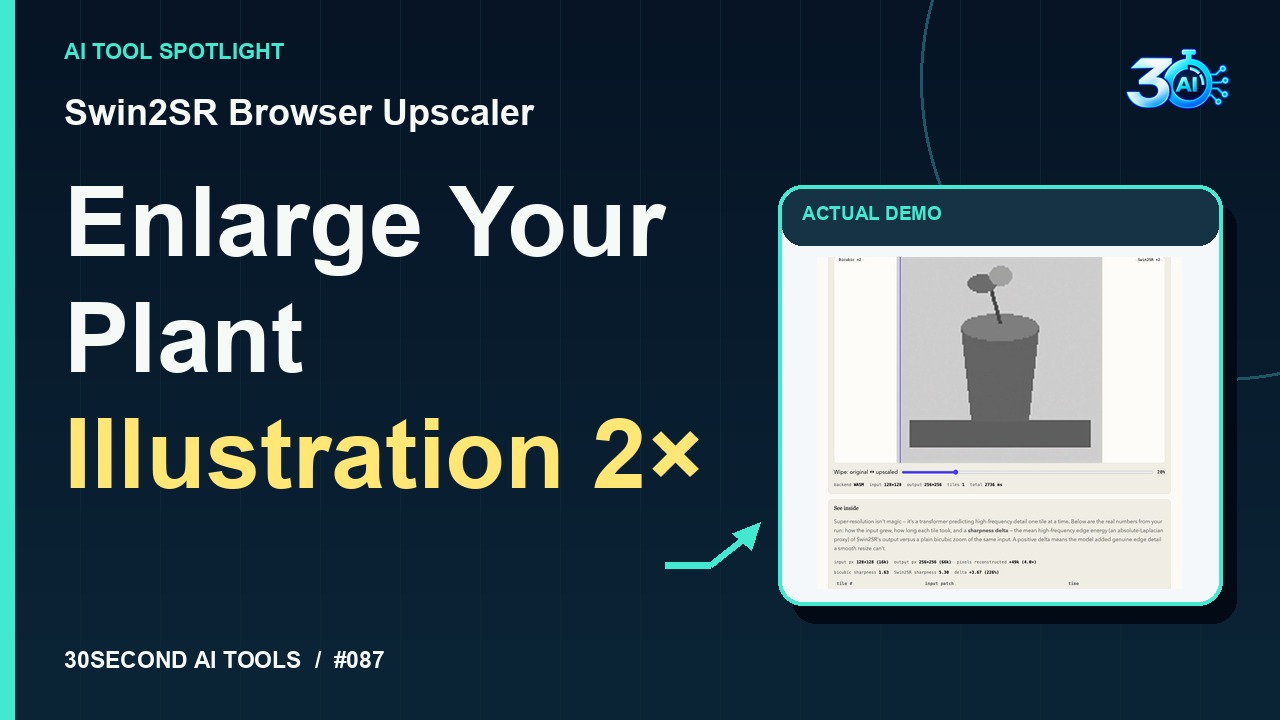
See the recorded Swin2SR Browser Upscaler result: an original grayscale plant illustration enlarged from 128×128 to 256×256. The free browser demo requires a model download and predicts plausible detail. https://webai.show/models/swin2sr-super-resolution/
Swin2SR Browser Upscaler is featured here for one specific job: 2× browser-based image super-resolution. This guide focuses on that workflow so you can decide whether it fits your task before trying it.
2× browser-based image super-resolution
Give it more pixels! This is Swin2SR Browser Upscaler. Our fictional design project starts with a grayscale plant illustration, just 128 pixels square. The recorded result is 256 pixels square: twice the width and height. Here’s the actual generated image. AI predicts plausible detail; it doesn’t recover a hidden original. The browser demo is free, with a model download first.
A small, specific input makes the result easier to inspect. Use the example below to understand the scope of the recorded workflow; it is not a promise that a new run will produce an identical result.
Channel-owned grayscale plant illustration resized to 128x128; upscale 2x to 256x256.
Start with material you own or have permission to use. Save the original and compare it with the output before moving the result into a real project. If the interface has changed, follow the current official instructions linked below.
The model predicts plausible details. More pixels do not recover an unknown original or guarantee better quality.
Keep the task narrow on your first attempt. Check the details that matter to your use case rather than judging only whether the result looks polished. A successful short example is a useful introduction, not a benchmark of the whole product.
The official live demo is free per call and presents its controls without an account requirement. It runs on-device and requires an initial model download of approximately 150 MB. The recorded example confirms a free, no-account demonstration. Processing time varies by device.
Availability notes refer to the dated demonstration or source check. Features, limits and sign-in requirements can change. Check the official site before starting a larger project.
Visit Swin2SR Browser Upscaler ↗This guide expands the channel’s recorded example and the official sources checked for that reel. Generated results are examples, not endorsements or guarantees. Read our editorial policy.
Locate text regions and display a text-probability map
Read the guideBrowser-based caption drafts for human review
Read the guide