Build & automate
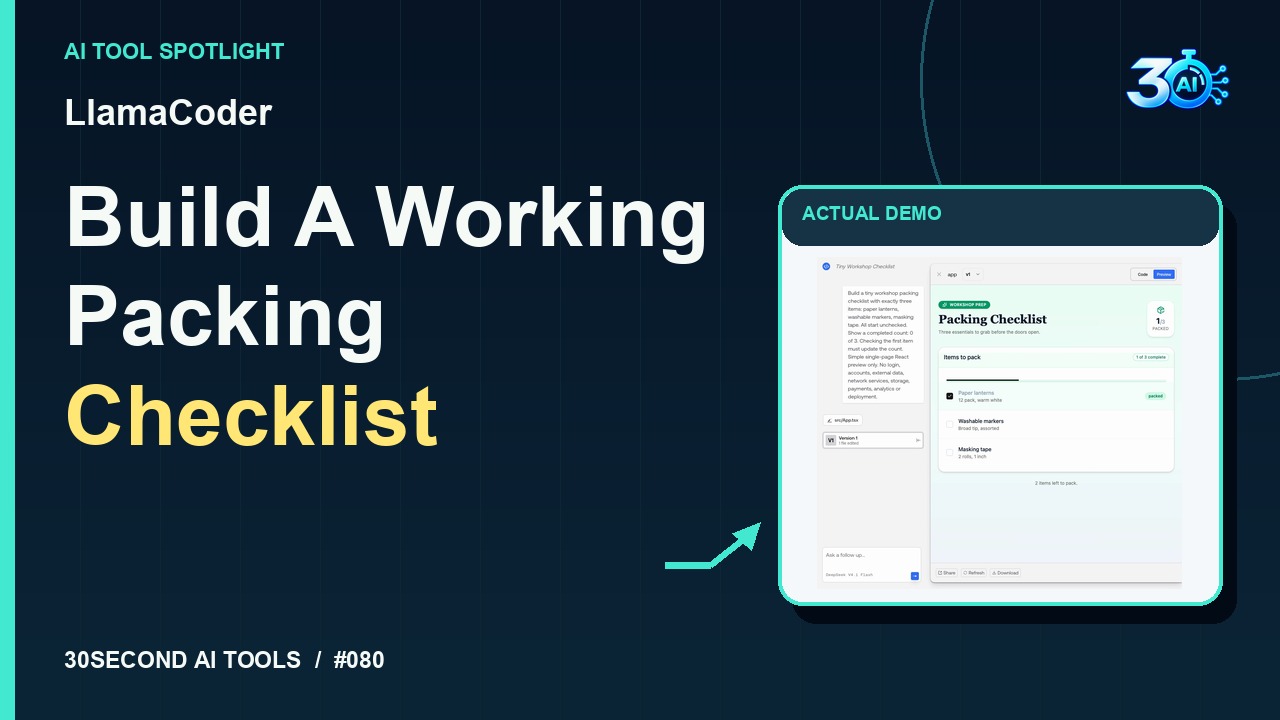
LlamaCoder
Generate and test a small React checklist preview from a prompt
Read the guide 30SecondAIToolsTHE PRACTICAL AI FIELD GUIDEWatch the channel ↗
Describe a ticket-code rule in English with Regex.site, then inspect the generated JavaScript regex and gm flags. This fictional four-line test returns two matches: MC-1042 and MC-0007. Always test examples before using an AI suggestion.
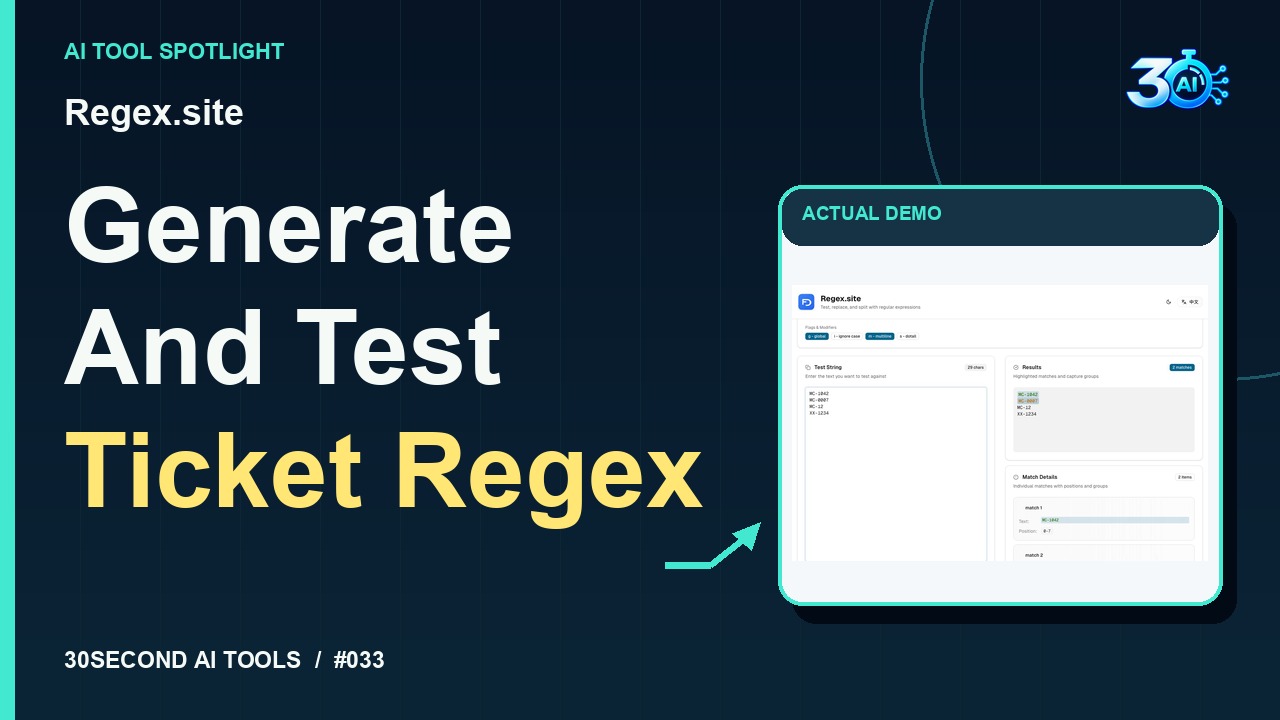
Regex.site is featured here for one specific job: generate a regular expression from English and test fictional ticket codes. This guide focuses on that workflow so you can decide whether it fits your task before trying it.
Generate a regular expression from English and test fictional ticket codes
Describe the rule in plain English. In Regex.site, we ask for uppercase MC, a hyphen, and exactly four digits per line. Here’s the generated pattern with global and multiline flags. Our four fictional test lines produce two matches: MC-1042 and MC-0007. The short code and wrong prefix don’t match. Test your examples before using a suggestion.
A small, specific input makes the result easier to inspect. Use the example below to understand the scope of the recorded workflow; it is not a promise that a new run will produce an identical result.
Match each entire line that is the uppercase letters MC, a hyphen and exactly four digits. Use JavaScript global and multiline flags. Test examples: MC-1042 and MC-0007 should match; MC-12 and XX-1234 should not.
Start with material you own or have permission to use. Save the original and compare it with the output before moving the result into a real project. If the interface has changed, follow the current official instructions linked below.
A regex that passes one example may still accept invalid input. Include boundary and rejection cases.
Keep the task narrow on your first attempt. Check the details that matter to your use case rather than judging only whether the result looks polished. A successful short example is a useful introduction, not a benchmark of the whole product.
Checked 2026-10-26: Regex.site's official page states that all features, including AI generation, are free with no registration required. The recorded example used no account or payment.
Availability notes refer to the dated demonstration or source check. Features, limits and sign-in requirements can change. Check the official site before starting a larger project.
Visit Regex.site ↗This guide expands the channel’s recorded example and the official sources checked for that reel. Generated results are examples, not endorsements or guarantees. Read our editorial policy.
Generate and test a small React checklist preview from a prompt
Read the guideEstimate memory for loading model weights at selected precisions
Read the guide