
Extract Five Topic Keywords with Pencilfree
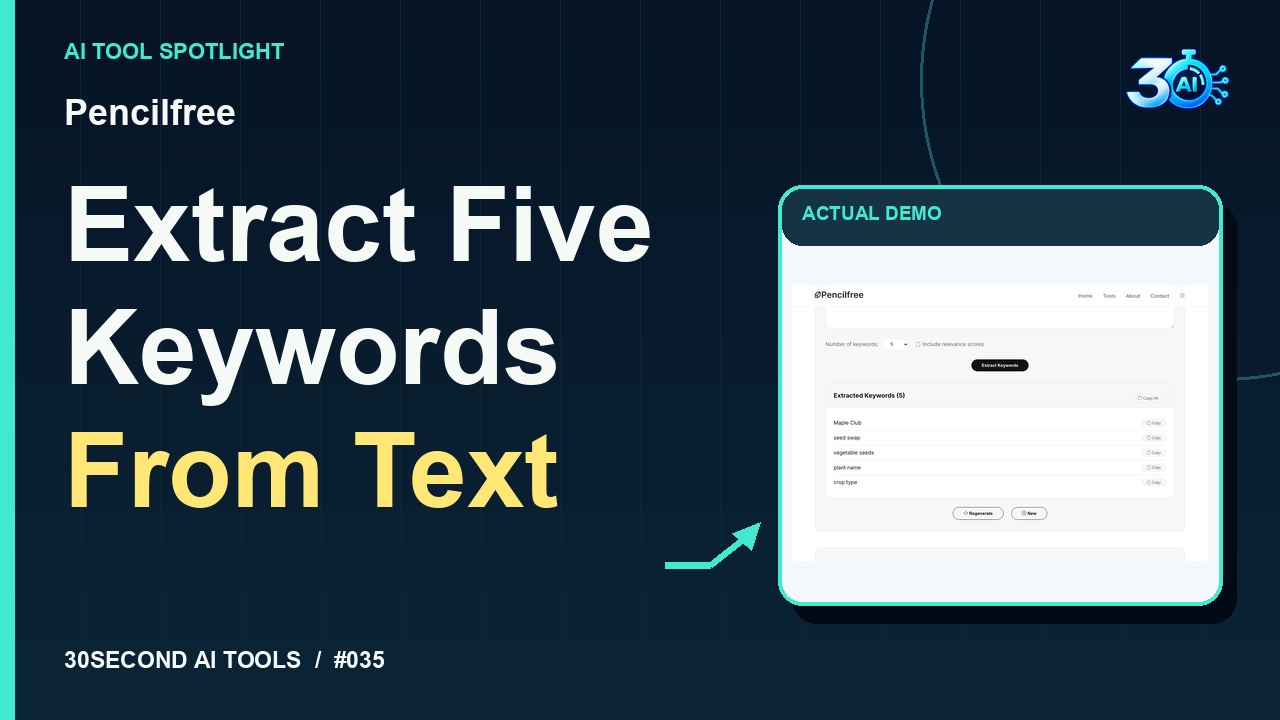
See Pencilfree extract five topic keywords from a fictional seed-swap paragraph. The demonstrated result contains Maple Club, seed swap, vegetable seeds, plant name, and crop type. Review suggestions before use; they are not search-volume data. Official page checked 2026-10-26: five free uses daily without registration.
The useful part
Pencilfree is featured here for one specific job: keyword extraction. This guide focuses on that workflow so you can decide whether it fits your task before trying it.
Keyword extraction
What happened in the demo
Try Pencilfree. Here’s our fictional seed-swap description. Choose five keywords, leave relevance scores off, and click Extract Keywords. The recorded result gives us Maple Club, seed swap, vegetable seeds, plant name, and crop type. That’s a handy starting list for organizing this text. Review the suggestions before using them. These aren’t search-volume numbers.
The example used in the reel
A small, specific input makes the result easier to inspect. Use the example below to understand the scope of the recorded workflow; it is not a promise that a new run will produce an identical result.
The fictional Maple Club seed swap helps neighbors exchange spare vegetable seeds. Each seed packet should be labeled with the plant name and growing notes. Volunteers sort packets by crop type and keep a simple inventory of available seeds.
Try it yourself
- Enter the topic text
- Request the five keywords
- Compare the terms with the central subject
Start with material you own or have permission to use. Save the original and compare it with the output before moving the result into a real project. If the interface has changed, follow the current official instructions linked below.
What to check before using the result
Frequent or prominent terms are not always the most useful search keywords for your audience.
Keep the task narrow on your first attempt. Check the details that matter to your use case rather than judging only whether the result looks polished. A successful short example is a useful introduction, not a benchmark of the whole product.
Access, free demos & limits
Verified on 2026-10-26: the official page advertises five free uses daily without registration and says the counter resets after 24 hours. Five-keyword extraction is available free.
Availability notes refer to the dated demonstration or source check. Features, limits and sign-in requirements can change. Check the official site before starting a larger project.
Visit Pencilfree ↗Sources & context
- pencilfree.com/keyword-extractor ↗Source checked 2026-10-26
This guide expands the channel’s recorded example and the official sources checked for that reel. Generated results are examples, not endorsements or guarantees. Read our editorial policy.
Keep exploring
All tools →
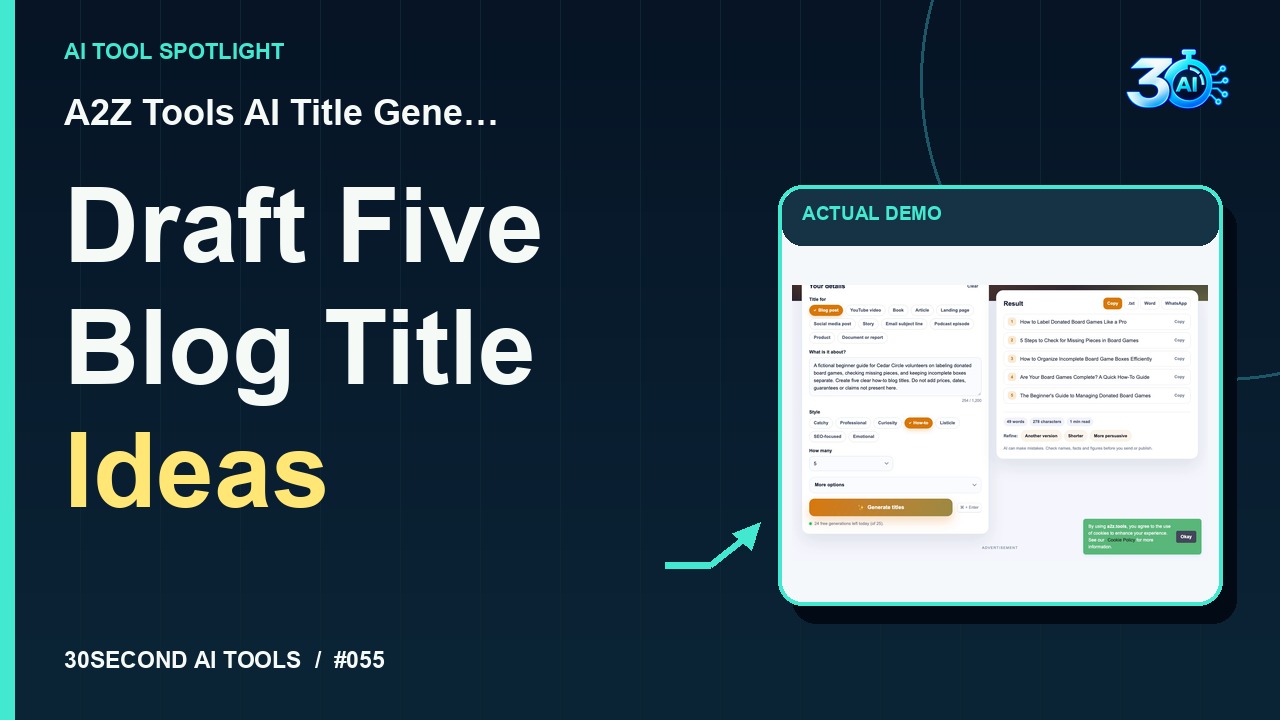
A2Z Tools AI Title Generator
Generate five blog title drafts from a fictional brief
Read the guide