Design & images
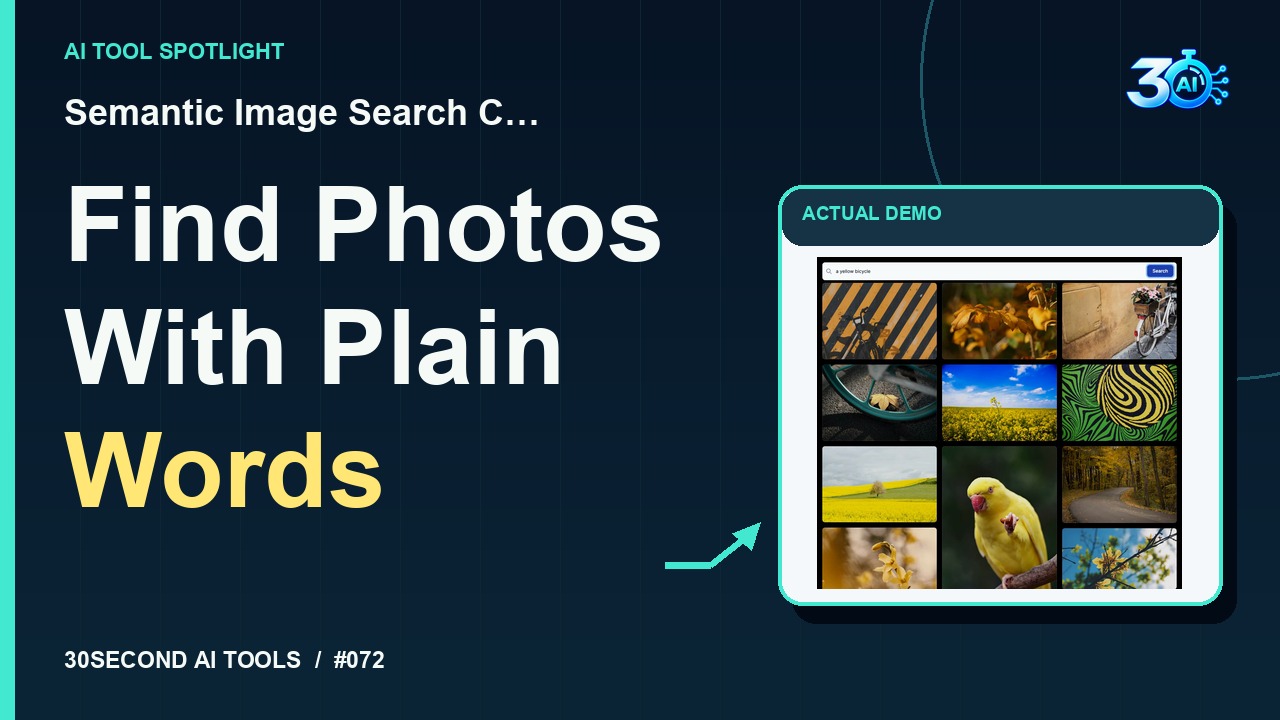
Semantic Image Search Client
Search an existing photo collection with a natural-language description
Read the guide 30SecondAIToolsTHE PRACTICAL AI FIELD GUIDEWatch the channel ↗
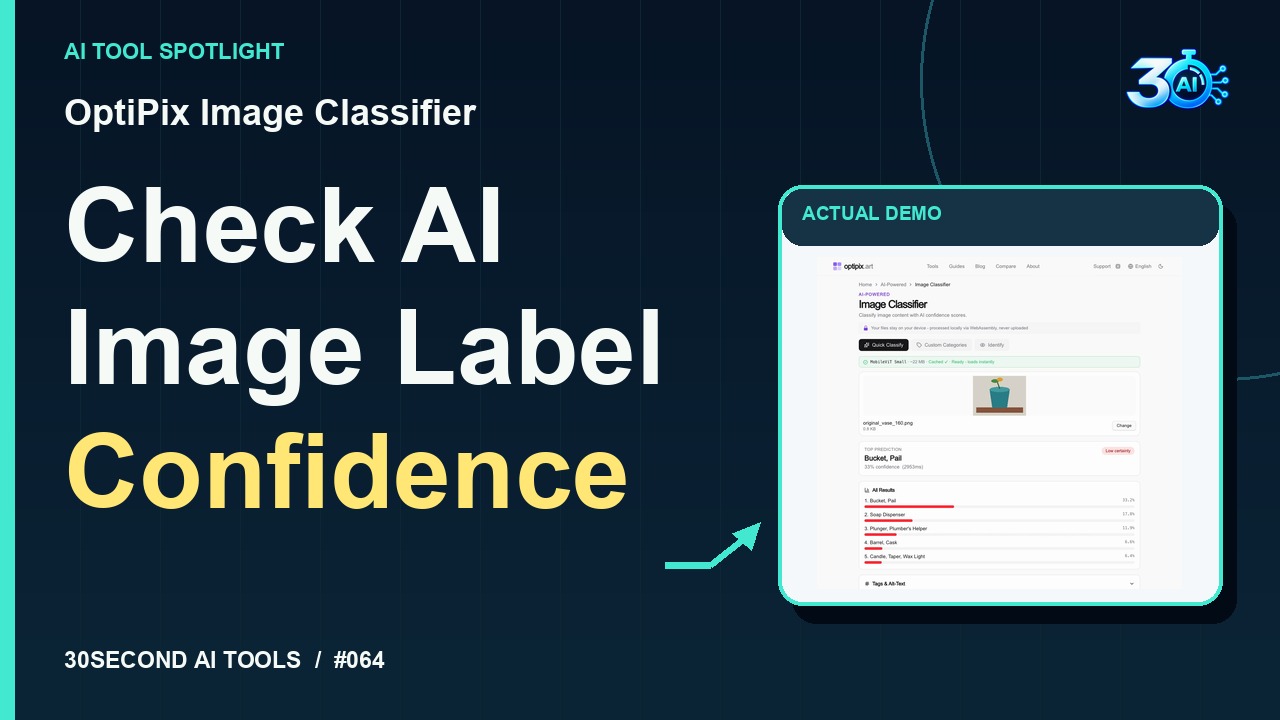
Inspect OptiPix Image Classifier's actual predictions for an original geometric flowerpot illustration. Its top label is Bucket, Pail at 33.2%, with low certainty—a practical reminder to review AI-generated image tags. Official free-use details checked on 2026-10-29: https://www.optipix.art/image-classifier
OptiPix Image Classifier is featured here for one specific job: ranked image labels with confidence scores using MobileViT Small. This guide focuses on that workflow so you can decide whether it fits your task before trying it.
Ranked image labels with confidence scores using MobileViT Small
Let's check with OptiPix Image Classifier. This original illustration goes into the free browser tool using its Fast model. The top prediction? Bucket, Pail, at about thirty-three percent. Soap dispenser comes next. Those are guesses, and the page flags low certainty. Use this to inspect candidate image tags, then review them yourself. A confidence score isn't proof!
A small, specific input makes the result easier to inspect. Use the example below to understand the scope of the recorded workflow; it is not a promise that a new run will produce an identical result.
Select the Fast MobileViT Small model and upload the channel-owned original_vase_160.png geometric illustration. Review the actual top prediction and ranked labels, without treating the score as proof.
Start with material you own or have permission to use. Save the original and compare it with the output before moving the result into a real project. If the interface has changed, follow the current official instructions linked below.
The demonstration includes uncertain labels. Do not treat the highest score as a verified identity.
Keep the task narrow on your first attempt. Check the details that matter to your use case rather than judging only whether the result looks polished. A successful short example is a useful introduction, not a benchmark of the whole product.
Official page checked on 2026-10-29: free with no usage limits, paywalls or signup. Images are processed locally in the browser. The selected Fast MobileViT Small model requires an initial download of approximately 22 MB.
Availability notes refer to the dated demonstration or source check. Features, limits and sign-in requirements can change. Check the official site before starting a larger project.
Visit OptiPix Image Classifier ↗This guide expands the channel’s recorded example and the official sources checked for that reel. Generated results are examples, not endorsements or guarantees. Read our editorial policy.
Search an existing photo collection with a natural-language description
Read the guide