Design & images
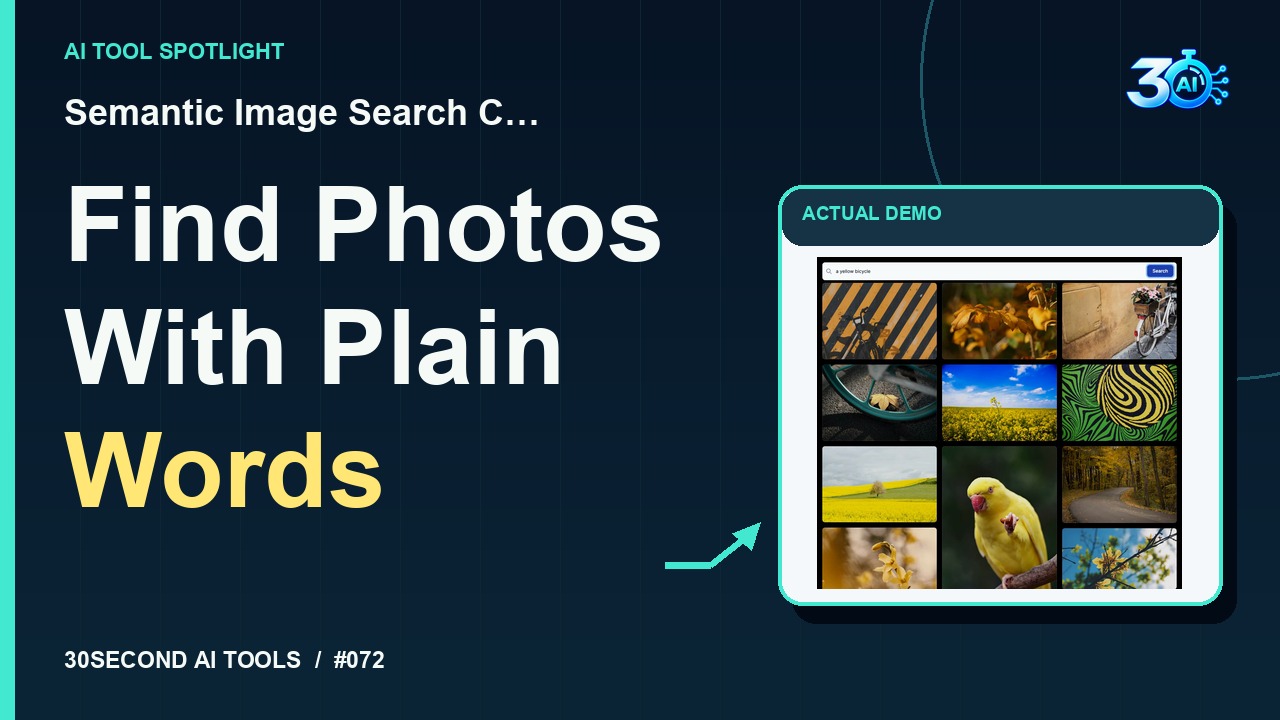
Semantic Image Search Client
Search an existing photo collection with a natural-language description
Read the guide 30SecondAIToolsTHE PRACTICAL AI FIELD GUIDEWatch the channel ↗
See how fifty illustrative color selections train Khroma's browser color recommender, then explore real generated typography pairs: Tory Blue & Surf Crest, Livid Brown & Moon Mist, and Blue Gem & Sulu. Elapsed training time is cut from this 30-second demonstration.
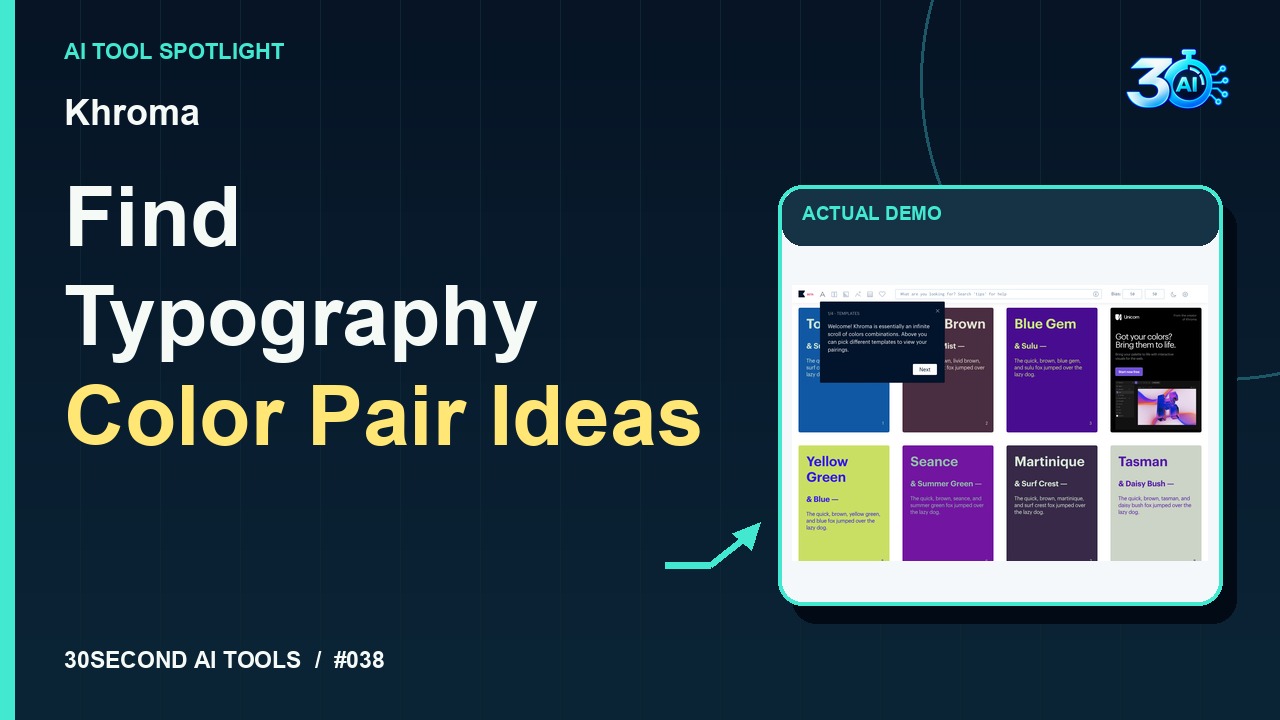
Khroma is featured here for one specific job: browser-trained typography color recommendations. This guide focuses on that workflow so you can decide whether it fits your task before trying it.
Browser-trained typography color recommendations
Start with fifty! In Khroma, choose fifty displayed colors, then start training. These sample picks are fictional preferences for this demo. Once training finishes, inspect the typography pairs. Here’s Tory Blue with Surf Crest, Livid Brown with Moon Mist, and Blue Gem with Sulu. Use the previews as starting points for your next design.
A small, specific input makes the result easier to inspect. Use the example below to understand the scope of the recorded workflow; it is not a promise that a new run will produce an identical result.
Choose fifty different displayed colors as a fictional demonstration preference set, then start training and inspect generated typography color pairs.
Start with material you own or have permission to use. Save the original and compare it with the output before moving the result into a real project. If the interface has changed, follow the current official instructions linked below.
A color pairing needs contrast testing at the actual text size before it becomes a UI choice.
Keep the task narrow on your first attempt. Check the details that matter to your use case rather than judging only whether the result looks polished. A successful short example is a useful introduction, not a benchmark of the whole product.
The public training page is currently accessible and offers fifty color selections followed by Start Training. The recorded example verifies a completed free demonstration without signup or payment. The beta stores preference data locally in this browser on this device; no paid-plan allowance or unlimited free usage is claimed.
Availability notes refer to the dated demonstration or source check. Features, limits and sign-in requirements can change. Check the official site before starting a larger project.
Visit Khroma ↗This guide expands the channel’s recorded example and the official sources checked for that reel. Generated results are examples, not endorsements or guarantees. Read our editorial policy.
Search an existing photo collection with a natural-language description
Read the guide