Design & images
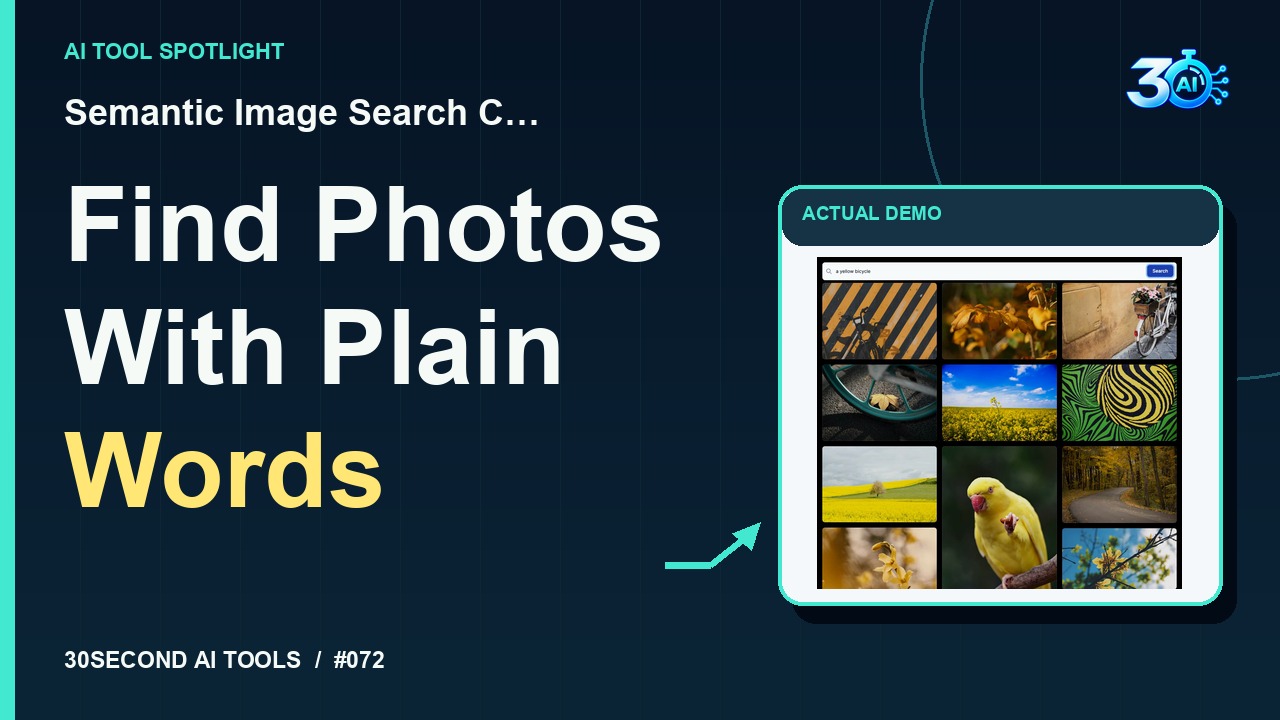
Semantic Image Search Client
Search an existing photo collection with a natural-language description
Read the guide 30SecondAIToolsTHE PRACTICAL AI FIELD GUIDEWatch the channel ↗
How to approach an AI-assisted presentation, then review its structure and factual claims.
Gamma is featured here for one specific job: turn a topic or existing notes into a presentation draft. This guide focuses on that workflow so you can decide whether it fits your task before trying it.
Turn a topic or existing notes into a presentation draft
Gamma supports creating presentations, documents and webpages. Its documented workflows include generating from a topic, pasting existing text and importing material. Review the resulting draft and edit its content and layout before sharing.
A small, specific input makes the result easier to inspect. This is a suggested exercise, not a reconstruction of the original channel demonstration.
Suggested practice: draft a short presentation outline about an event you know well. Supply only confirmed facts and ask for a clear beginning, middle and next step.
Start with material you own or have permission to use. Save the original and compare it with the output before moving the result into a real project. If the interface has changed, follow the current official instructions linked below.
A polished deck can still contain unsupported claims. Review names, figures and sources separately from the layout.
Keep the task narrow on your first attempt. Check the details that matter to your use case rather than judging only whether the result looks polished. A successful short example is a useful introduction, not a benchmark of the whole product.
Check the current account requirements and credit limits on Gamma before generating. This overview makes no claim of unlimited free creation or a particular export allowance.
Availability notes refer to the dated demonstration or source check. Features, limits and sign-in requirements can change. Check the official site before starting a larger project.
Visit Gamma ↗This article combines the channel’s published coverage with official documentation. The original capture is unavailable, so no new hands-on result is claimed. Read our editorial policy.
Search an existing photo collection with a natural-language description
Read the guide