Design & images
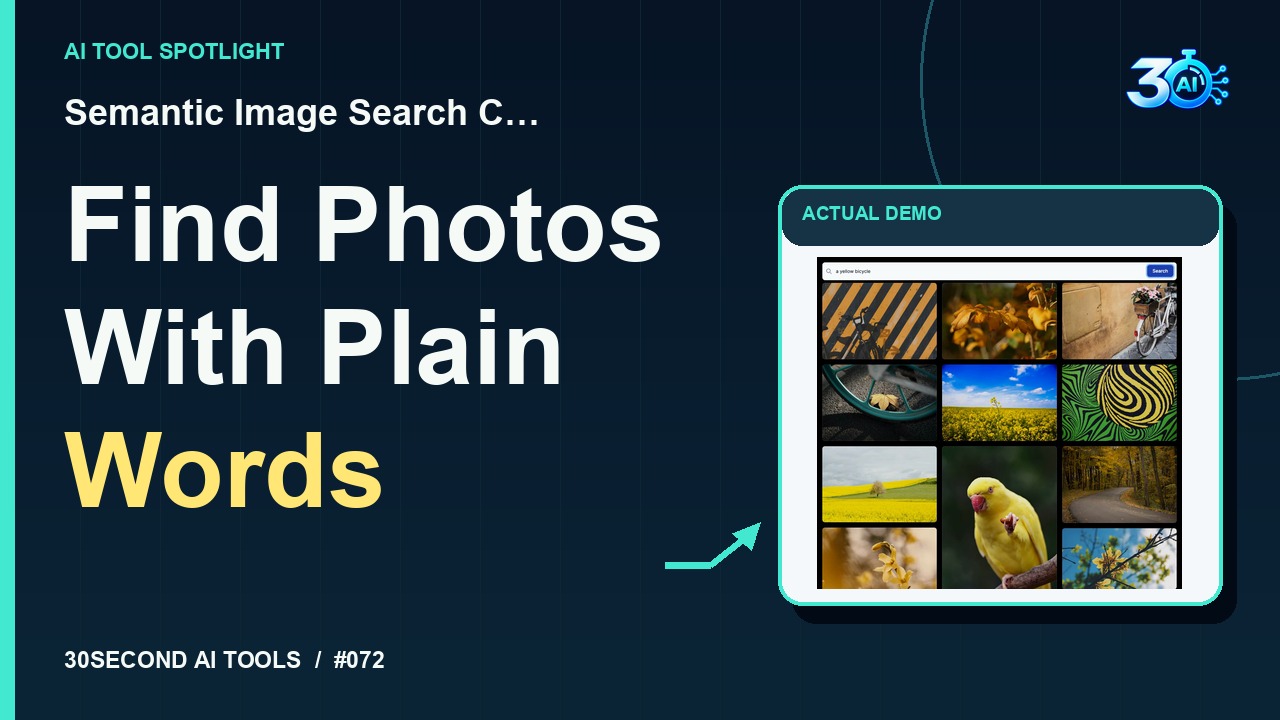
Semantic Image Search Client
Search an existing photo collection with a natural-language description
Read the guide 30SecondAIToolsTHE PRACTICAL AI FIELD GUIDEWatch the channel ↗
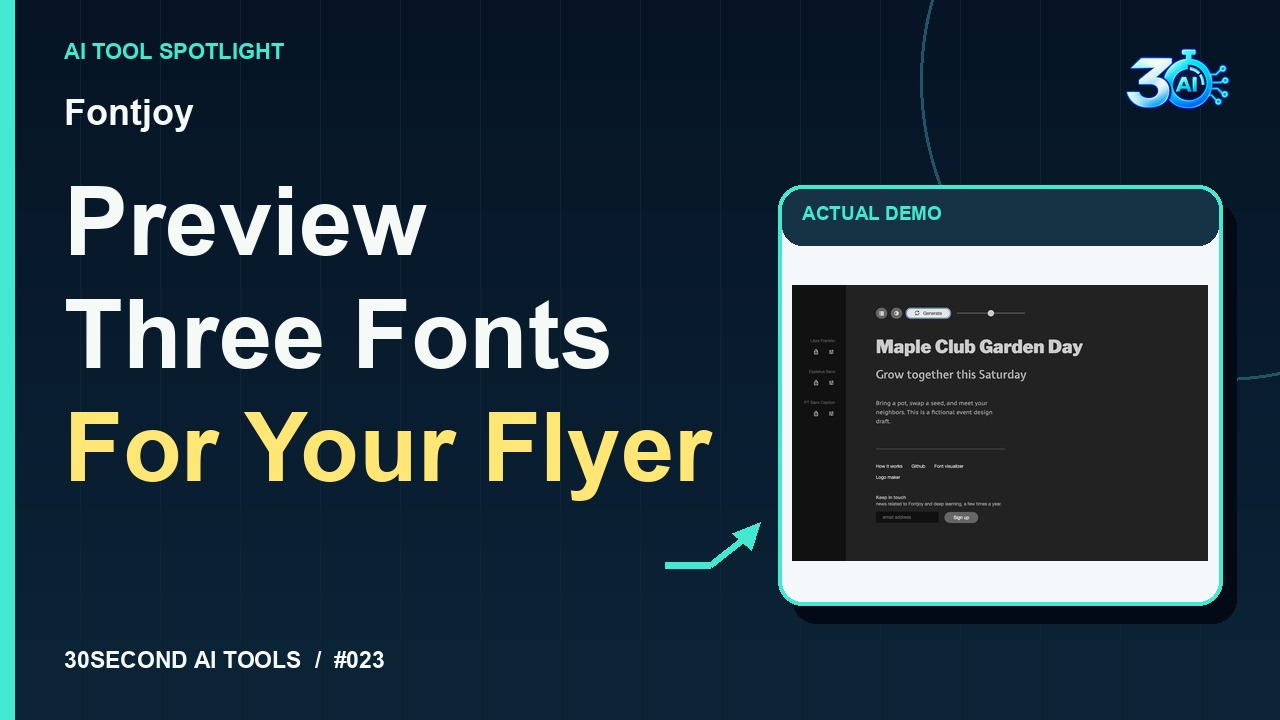
See Fontjoy generate a three-font pairing for a fictional garden event draft. The recorded result uses Libre Franklin, Expletus Sans and PT Sans Caption while preserving the original copy. Fontjoy describes its pairing approach as deep learning.
Fontjoy is featured here for one specific job: generate three-font pairings with deep learning. This guide focuses on that workflow so you can decide whether it fits your task before trying it.
Generate three-font pairings with deep learning
Try Fontjoy. Here’s our fictional Maple Club Garden Day, with a heading, subheading, and a short invitation. Click Generate once with balanced contrast. Here’s the actual result: Libre Franklin, Expletus Sans, and PT Sans Caption. Our wording stayed exactly the same. Now you can see those three fonts together before choosing your design direction.
A small, specific input makes the result easier to inspect. Use the example below to understand the scope of the recorded workflow; it is not a promise that a new run will produce an identical result.
Heading: Maple Club Garden Day
Subheading: Grow together this Saturday
Body: Bring a pot, swap a seed, and meet your neighbors. This is a fictional event design draft.
Start with material you own or have permission to use. Save the original and compare it with the output before moving the result into a real project. If the interface has changed, follow the current official instructions linked below.
A pleasing pairing on screen does not settle font licensing or readability in a printed flyer.
Keep the task narrow on your first attempt. Check the details that matter to your use case rather than judging only whether the result looks polished. A successful short example is a useful introduction, not a benchmark of the whole product.
The public Fontjoy page provides editable sample text and Generate without a payment or sign-in gate. This demonstration uses those controls; no subscription, download or email signup is needed. Official page checked on 2026-10-26; recorded example verifies a generated result.
Availability notes refer to the dated demonstration or source check. Features, limits and sign-in requirements can change. Check the official site before starting a larger project.
Visit Fontjoy ↗This guide expands the channel’s recorded example and the official sources checked for that reel. Generated results are examples, not endorsements or guarantees. Read our editorial policy.
Search an existing photo collection with a natural-language description
Read the guide