Learn & explore
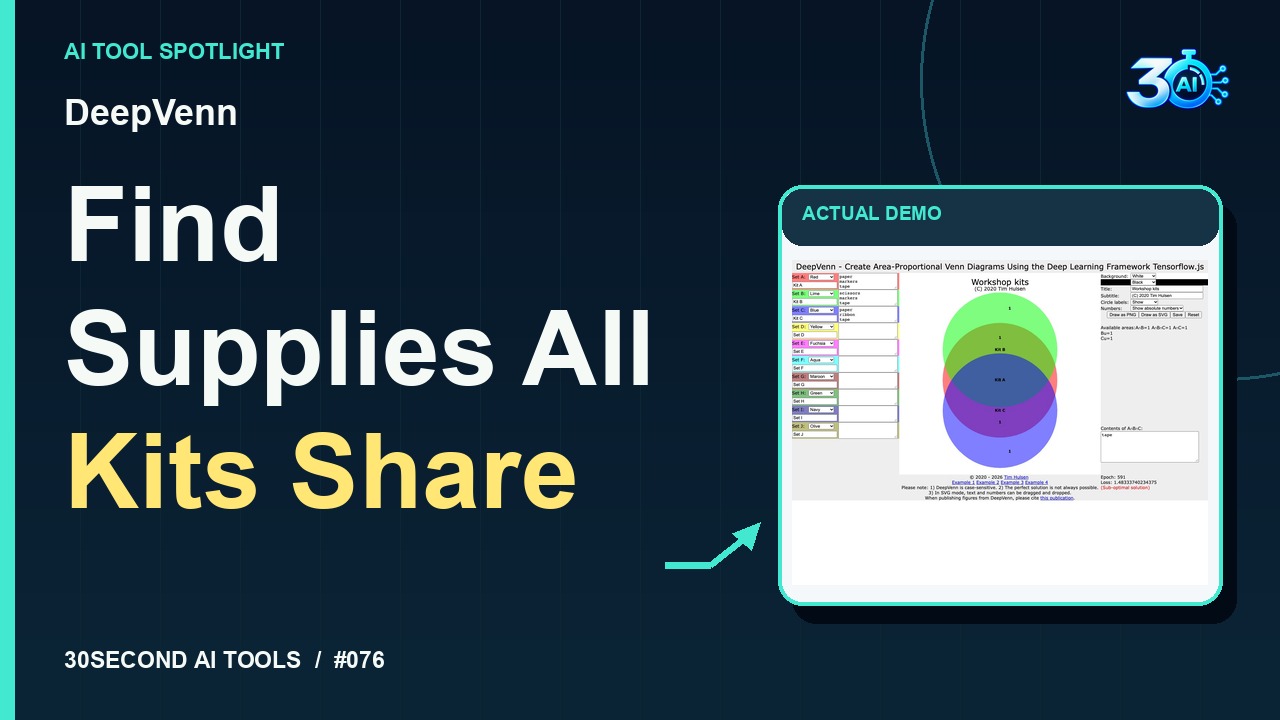
DeepVenn
Fit approximate Venn diagram areas using TensorFlow.js optimization and inspect set intersections
Read the guide 30SecondAIToolsTHE PRACTICAL AI FIELD GUIDEWatch the channel ↗
Explore CNN Explainer's built-in pizza example. See the pretrained model's activation maps and the output bar labeled pizza. A practical introduction to image classification in your browser.
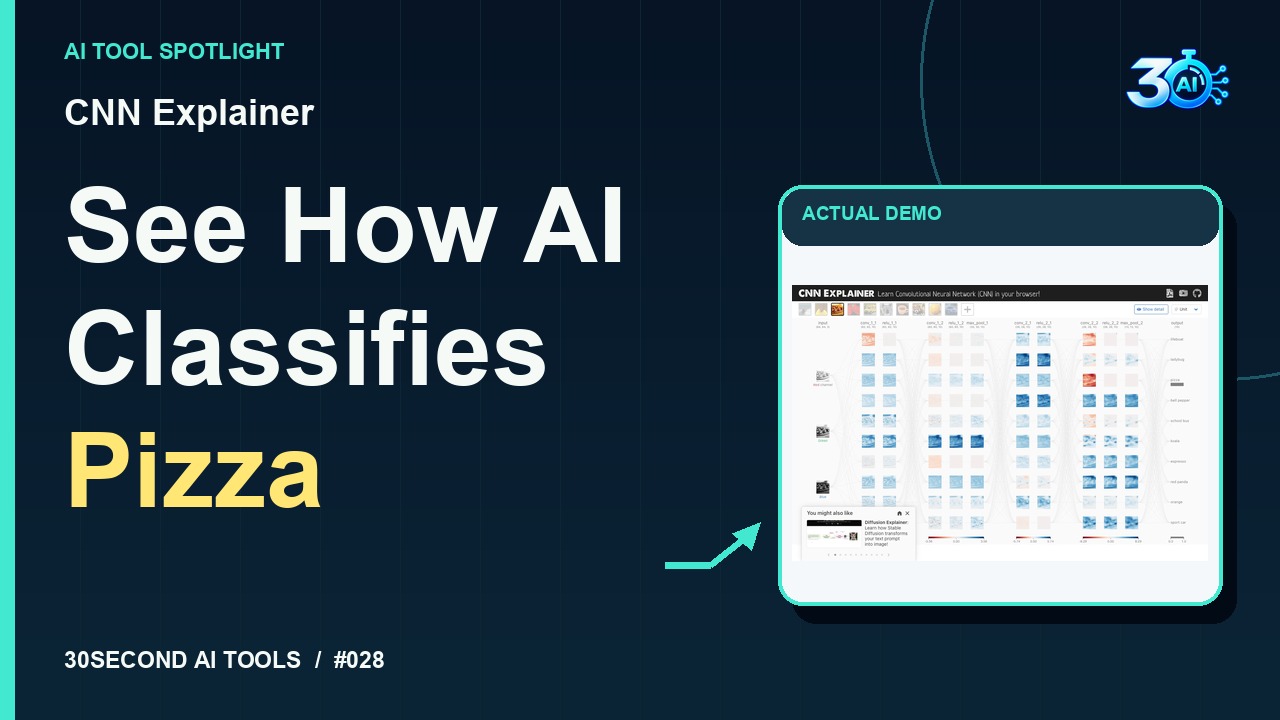
CNN Explainer is featured here for one specific job: visualize a pretrained image classifier's activation maps and output bars. This guide focuses on that workflow so you can decide whether it fits your task before trying it.
Visualize a pretrained image classifier's activation maps and output bars
CNN Explainer lets you peek inside an image classifier. Select the built-in pizza photo. Then look across the network at those little activation maps. They show the model's internal responses as it processes the picture. On the right, pizza has the longest output bar. It's a visual way to explore a pretrained neural network, right in your browser.
A small, specific input makes the result easier to inspect. Use the example below to understand the scope of the recorded workflow; it is not a promise that a new run will produce an identical result.
Select the built-in pizza photograph and inspect its activation maps and output bars.
Start with material you own or have permission to use. Save the original and compare it with the output before moving the result into a real project. If the interface has changed, follow the current official instructions linked below.
Feature visualizations help explain a model; they do not provide a complete explanation of every prediction.
Keep the task narrow on your first attempt. Check the details that matter to your use case rather than judging only whether the result looks polished. A successful short example is a useful introduction, not a benchmark of the whole product.
The public browser demonstration is free to use with its built-in images; no account, payment or installation is needed for this recipe. Official project documentation describes a browser-based pretrained model. Live page research and recorded example support this demonstration; this is an educational classifier, not an accuracy guarantee.
Availability notes refer to the dated demonstration or source check. Features, limits and sign-in requirements can change. Check the official site before starting a larger project.
Visit CNN Explainer ↗This guide expands the channel’s recorded example and the official sources checked for that reel. Generated results are examples, not endorsements or guarantees. Read our editorial policy.
Fit approximate Venn diagram areas using TensorFlow.js optimization and inspect set intersections
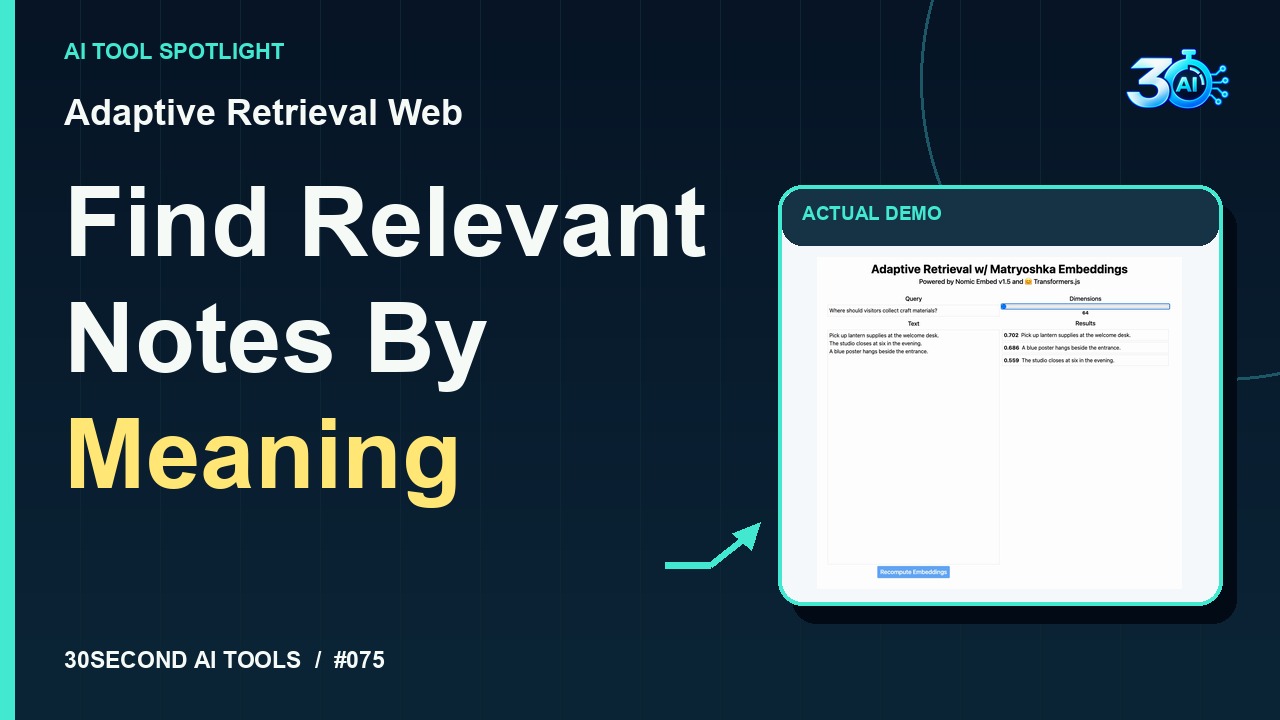
Read the guideCompare Nomic Embed v1.5 similarity results at 768 and 64 dimensions
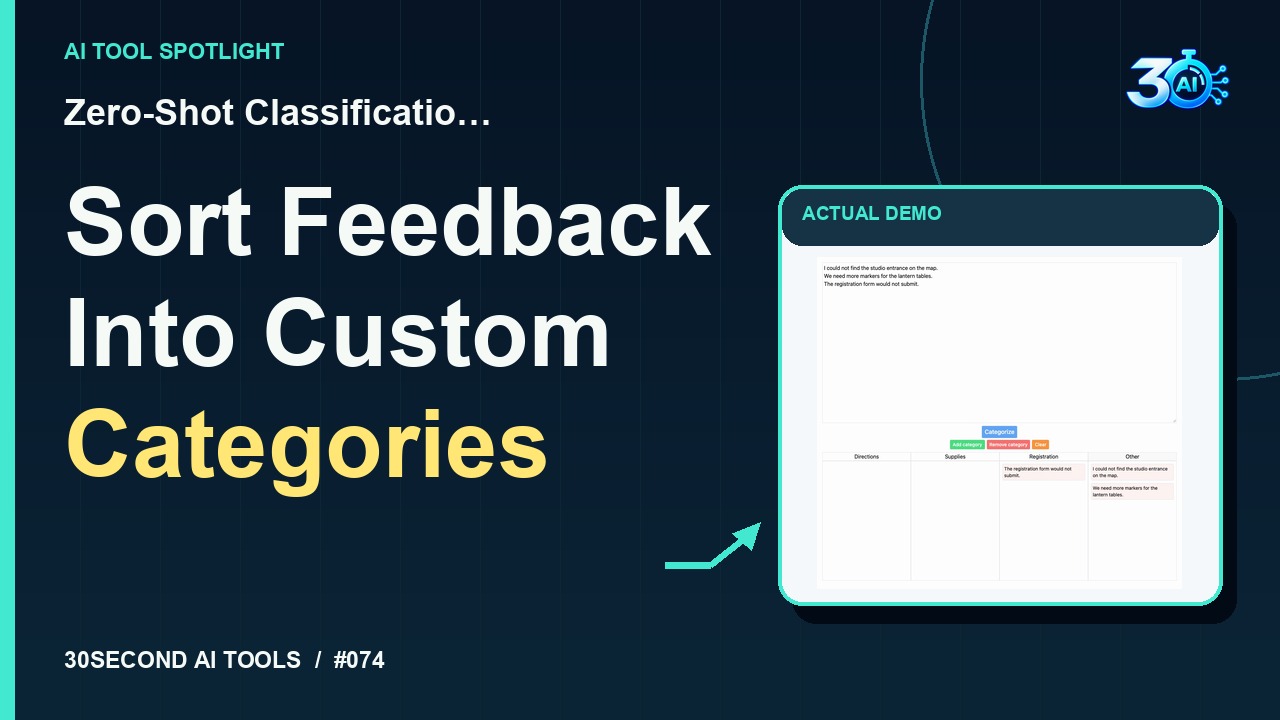
Read the guideAssign fictional feedback to custom categories with an Other fallback
Read the guide