Build & automate
LlamaCoder
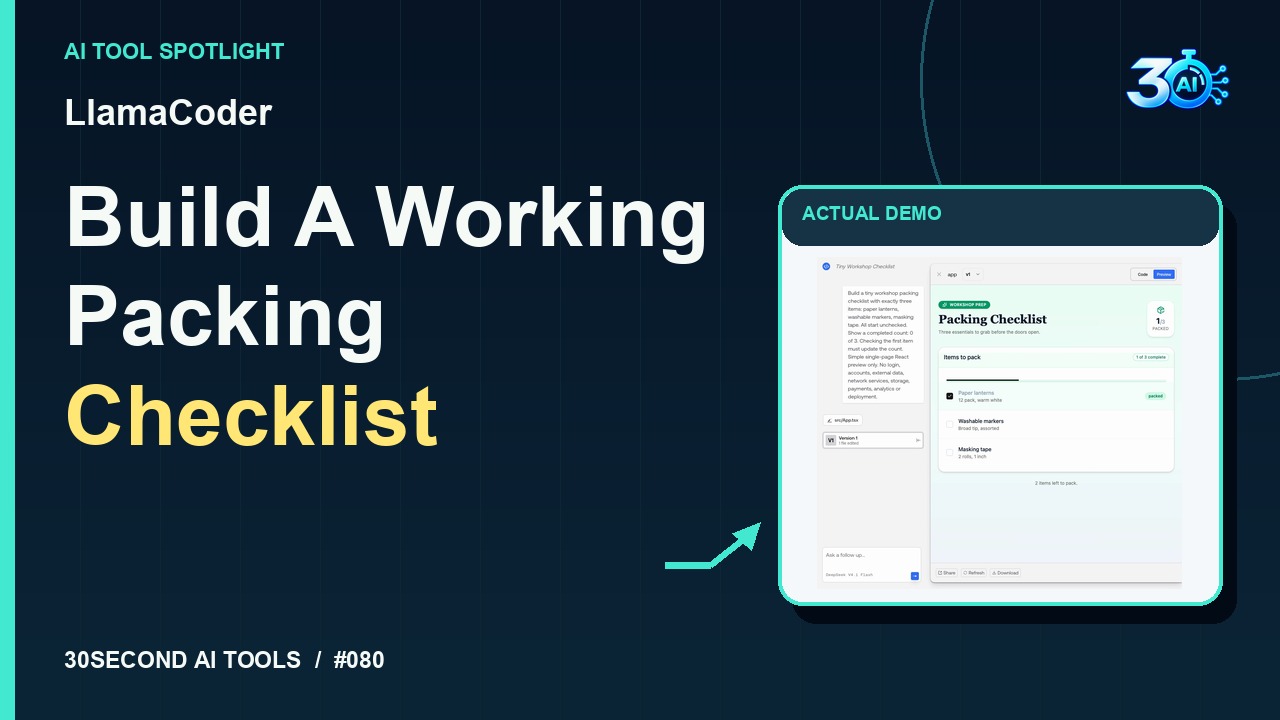
Generate and test a small React checklist preview from a prompt
Read the guide 30SecondAIToolsTHE PRACTICAL AI FIELD GUIDEWatch the channel ↗
See Autosheet turn a fictional conditional-sum request into a draft Excel SUMIF formula. The recorded response uses A2:A10, the books criterion, and B2:B10. The public generator does not inspect or calculate a workbook; test generated formulas on known rows before use.
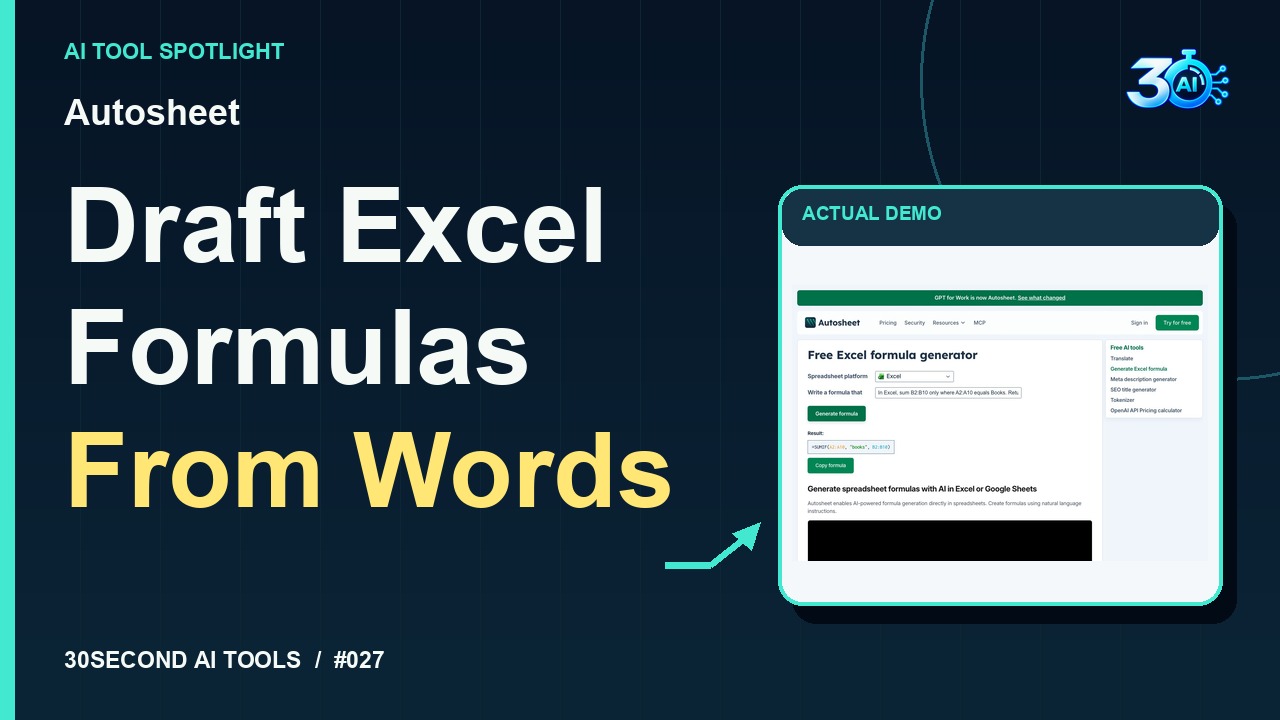
Autosheet is featured here for one specific job: draft an Excel SUMIF formula from a plain-language request. This guide focuses on that workflow so you can decide whether it fits your task before trying it.
Draft an Excel SUMIF formula from a plain-language request
Give Autosheet a clear request. Here, we ask for a sum of B2 through B10 only when column A says Books. Here’s the real response: a draft SUMIF formula with those ranges and the books criterion. This generator can’t see your workbook, so test on known rows before using it.
A small, specific input makes the result easier to inspect. Use the example below to understand the scope of the recorded workflow; it is not a promise that a new run will produce an identical result.
In Excel, sum B2:B10 only where A2:A10 equals Books. Return a formula using SUMIF.
Start with material you own or have permission to use. Save the original and compare it with the output before moving the result into a real project. If the interface has changed, follow the current official instructions linked below.
Generated formulas need validation against the actual ranges and spreadsheet locale.
Keep the task narrow on your first attempt. Check the details that matter to your use case rather than judging only whether the result looks polished. A successful short example is a useful introduction, not a benchmark of the whole product.
The recorded public-generator example required no payment. Autosheet's official terms describe Free Tools accessible without registration, separate from its paid spreadsheet add-ins. No unlimited allowance is claimed.
Availability notes refer to the dated demonstration or source check. Features, limits and sign-in requirements can change. Check the official site before starting a larger project.
Visit Autosheet ↗This guide expands the channel’s recorded example and the official sources checked for that reel. Generated results are examples, not endorsements or guarantees. Read our editorial policy.
Generate and test a small React checklist preview from a prompt
Read the guideEstimate memory for loading model weights at selected precisions
Read the guide