
Turn Notes Into a Clear Memo with AICreate
See AICreate Memo Writer organize fictional book-club notes into a structured memo with labeled fields and clear responsibilities. Review the generated details against your input before using them. Official tool: https://aicreate.com/memo-ai-writer/
The useful part
AICreate Memo Writer is featured here for one specific job: generate a structured memo from key points. This guide focuses on that workflow so you can decide whether it fits your task before trying it.
Generate a structured memo from key points
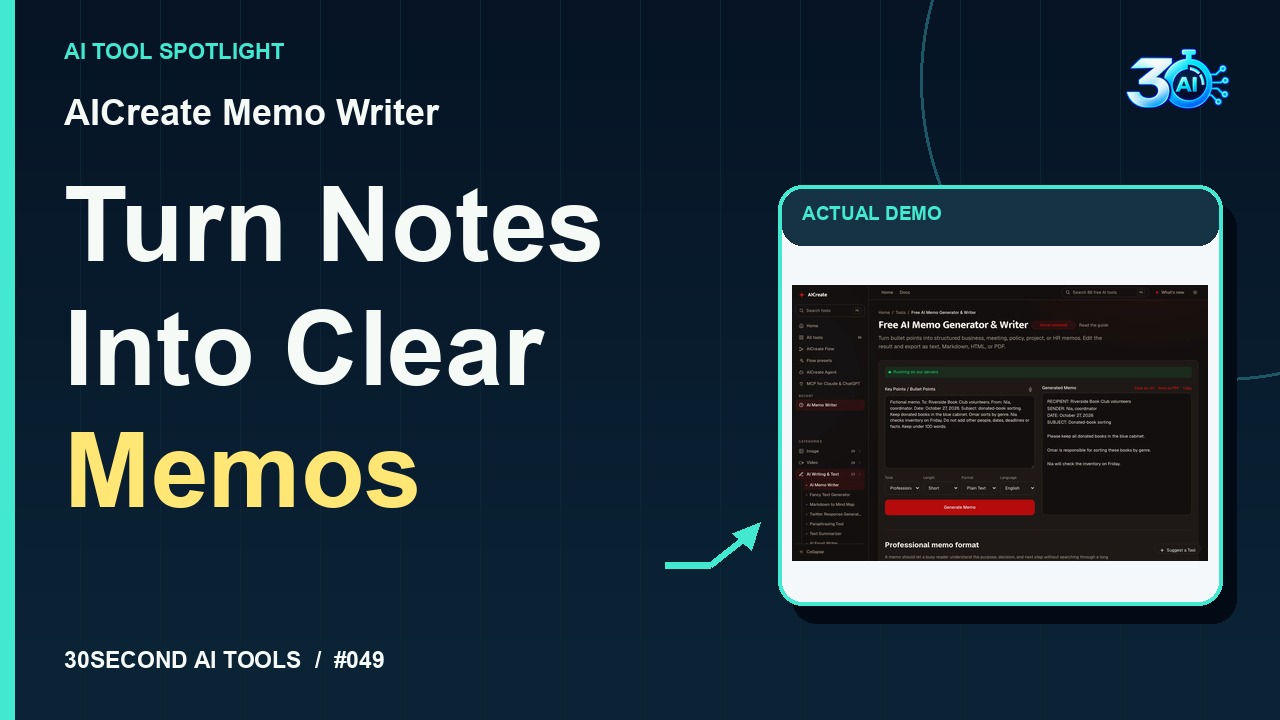
What happened in the demo
Give your volunteers a clear memo! In AICreate Memo Writer, enter the audience, sender, date, and jobs. These fictional book-club notes specify the blue cabinet, Omar’s sorting task, and Nia’s Friday inventory check. Choose Professional, Short, Plain Text, and English. Here’s the generated memo, with labeled fields and separate responsibilities. Review the names, date, and tasks before using it.
The example used in the reel
A small, specific input makes the result easier to inspect. Use the example below to understand the scope of the recorded workflow; it is not a promise that a new run will produce an identical result.
Fictional memo. To: Riverside Book Club volunteers. From: Nia, coordinator. Date: October 27, 2026. Subject: donated-book sorting. Keep donated books in the blue cabinet. Omar sorts by genre. Nia checks inventory on Friday. Do not add other people, dates, deadlines or facts. Keep under 100 words.
Try it yourself
- Enter the memo notes and intended audience
- Generate the memo draft
- Compare the resulting actions with the original notes
Start with material you own or have permission to use. Save the original and compare it with the output before moving the result into a real project. If the interface has changed, follow the current official instructions linked below.
What to check before using the result
Keep owners and deadlines unspecified when the source notes do not establish them.
Keep the task narrow on your first attempt. Check the details that matter to your use case rather than judging only whether the result looks polished. A successful short example is a useful introduction, not a benchmark of the whole product.
Access, free demos & limits
Official page checked on 2026-10-27 describes the memo writer as free with no sign-up. The verified demonstration required no account or payment. Its interface reported server processing; do not describe this run as offline or entirely local. Unlimited access and backend model identity were not verified.
Availability notes refer to the dated demonstration or source check. Features, limits and sign-in requirements can change. Check the official site before starting a larger project.
Visit AICreate Memo Writer ↗Sources & context
- aicreate.com/memo-ai-writer/ ↗Source checked 2026-10-27
This guide expands the channel’s recorded example and the official sources checked for that reel. Generated results are examples, not endorsements or guarantees. Read our editorial policy.
Keep exploring
All tools →
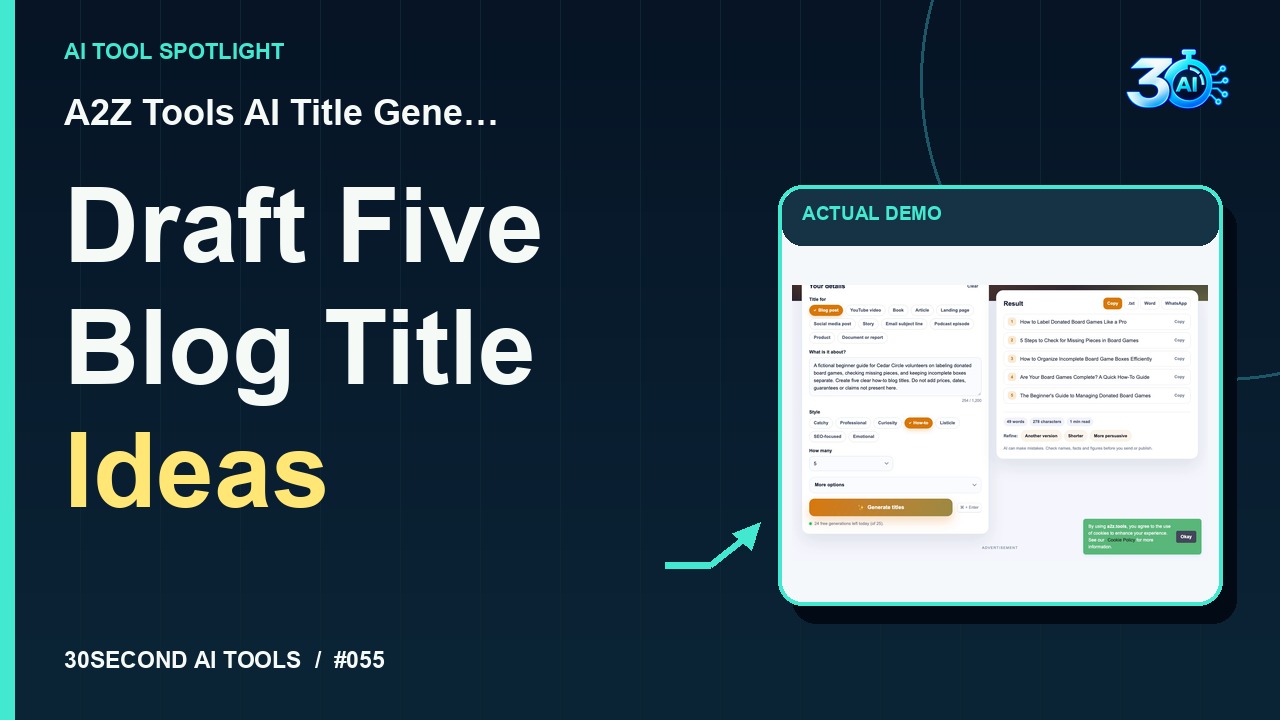
A2Z Tools AI Title Generator
Generate five blog title drafts from a fictional brief
Read the guide